
Blog
Your 2026 Guide to WFH Ergonomics: How to Soothe Digital Strain and Reclaim Your Peace

These WFH ergonomic tips address the direct link between a poor workspace and the physical strain and mental burnout it causes. The core solutions involve mindful adjustments to your posture, desk organisation, and lighting to reduce stress signals sent to your brain. Protecting your eyes from digital strain is a critical, often overlooked, step towards improving your sleep and reclaiming your evenings.
Consider the image. On one side, a professional is hunched over a laptop on a dining table, shoulders tight with tension under harsh, blue light. On the other, the same person sits relaxed in an organised space, bathed in a warm glow. This visual contrast is more than just aesthetic; it’s the difference between ending a day depleted and ending it with peace.
The feeling is familiar to many. A dull ache radiating from behind the eyes. A persistent, tight knot just below the shoulder blade. The day’s work is done, the laptop closed, but the body and mind remain on high alert, unable to truly switch off. This physical discomfort is a constant, low-level signal of stress, feeding a cycle of anxiety and burnout.
This guide is for the dedicated professional whose home office has started to feel less like a haven and more like a source of stress. It’s for the creator whose mind feels as cluttered as their desk.
If you struggle with persistent eye strain, find it difficult to fall asleep, or carry a feeling that you can never truly disconnect from your work, these mindful adjustments are for you. They are not productivity hacks; they are acts of self-care.
The pain you feel is your body’s response to a mismatched environment. When you spend hours hunched over a low screen, your posture curves into a position known as ‘tech neck’. This posture doesn’t just strain your muscles; it can subtly trigger the body’s stress response, keeping you in a state of fight-or-flight.
Simultaneously, the constant blue light from a poorly positioned screen can disrupt your body’s natural sleep-wake cycle. It suppresses the production of melatonin, the hormone that signals it’s time to rest. This directly impacts the quality of your sleep, making it harder to recover and leaving you feeling drained before the next day even begins.
Transitioning your workspace from a source of stress to a sanctuary of calm does not require a complete overhaul. It begins with small, intentional adjustments. Think of these not as chores, but as foundational acts of respect for your own well-being.
> Mindful Moment: Your workspace is an external reflection of your internal state. By calming the space around you, you create space within you.
Elevate Your Gaze, Elevate Your Mood
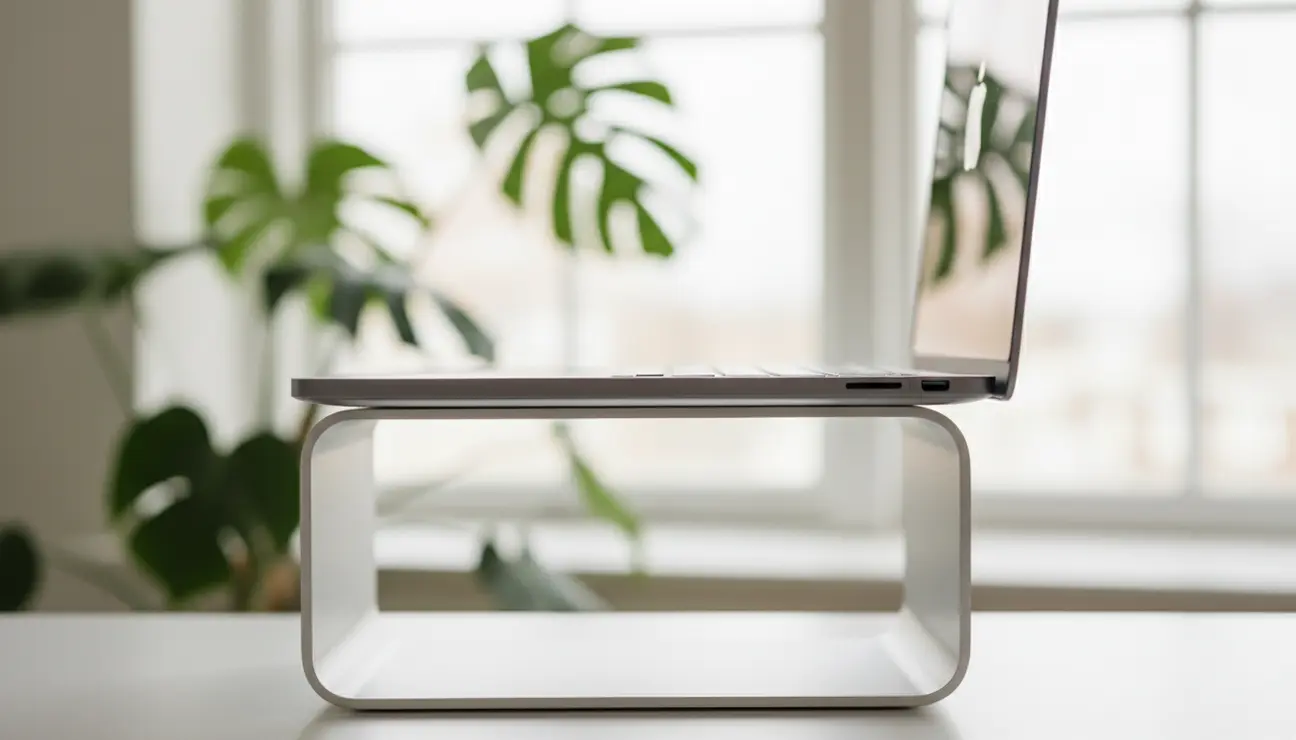
The single most effective ergonomic change is aligning your screen height. The rule is simple: the top of your monitor should be level with your eyes. This prevents you from tilting your head downwards, immediately relieving strain on your neck and upper back.
For most laptop users, this requires a lift of around 15-20 cm. This simple physical shift does more than prevent aches; it encourages a more open, upright posture, which can lead to a feeling of reduced mental pressure and clearer, more expansive thoughts.
Create a Foundation of Support
Your connection to the ground is your anchor. A supportive chair that allows your feet to rest flat on the floor is crucial. This grounded posture sends signals of safety and stability directly to your nervous system, providing a physical antidote to feelings of anxiety.
If your chair is too high, use a small box or stack of books as a footrest. If it lacks back support, place a small cushion or a rolled-up towel in the curve of your lower back. This foundation of support allows your body to relax, conserving mental and physical energy for the tasks that matter.
Seeking Gentle Support?
Our ergonomic tools are designed to ease physical strain, helping to create a foundation of calm for your mind.
Reclaim Your Desk, Reclaim Your Focus
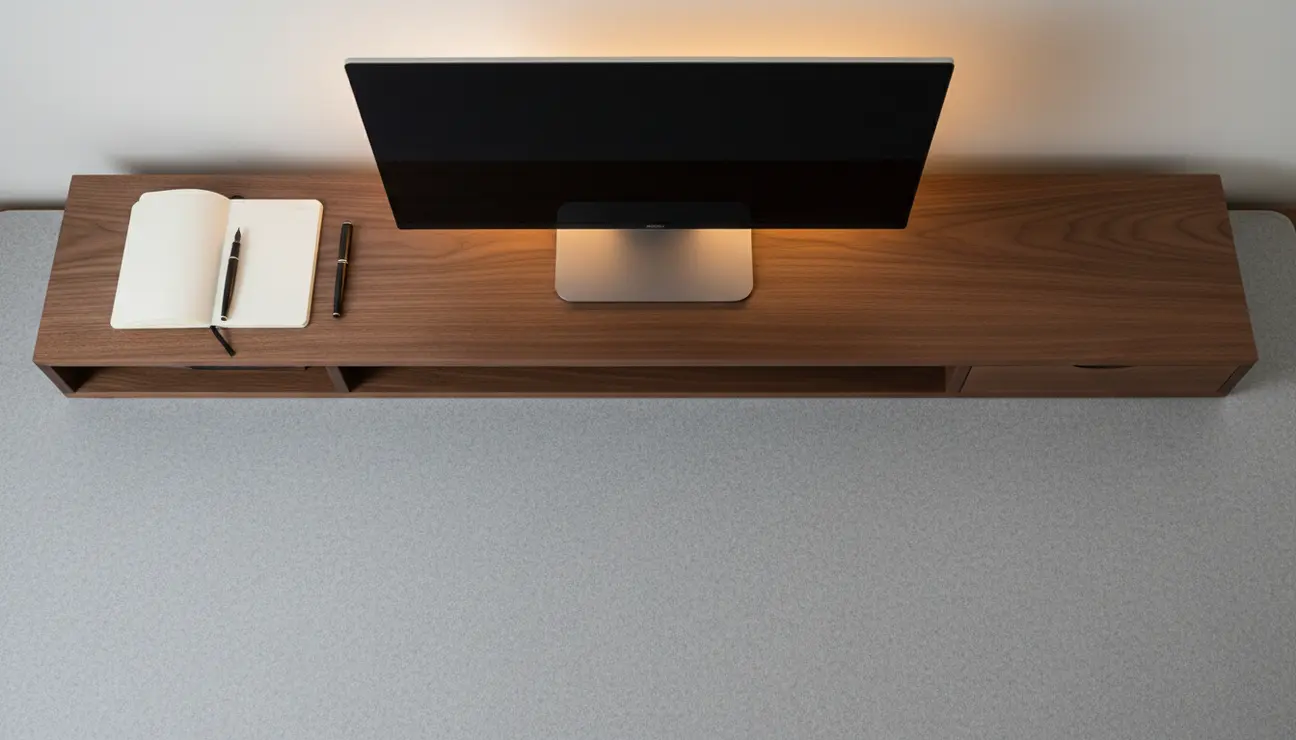
A desk laden with cable clutter and stray items is a source of constant visual distraction. Each object competes for your attention, creating a low-level hum of mental noise that drains your focus. The solution is to create a dedicated, intentional home for every item.
This is the principle behind the Zentic Desk Organiser Shelf. Crafted from sustainable, minimalist wood, its design is an exercise in calm. It raises your monitor to the perfect ergonomic height (18 cm) while its carefully considered compartments create a sanctuary for your essentials. Pens, notebooks, and devices are no longer distractions, but settled tools ready for use. It transforms a chaotic surface into a serene landscape for thought.
Harmonise Your Light and Rhythm
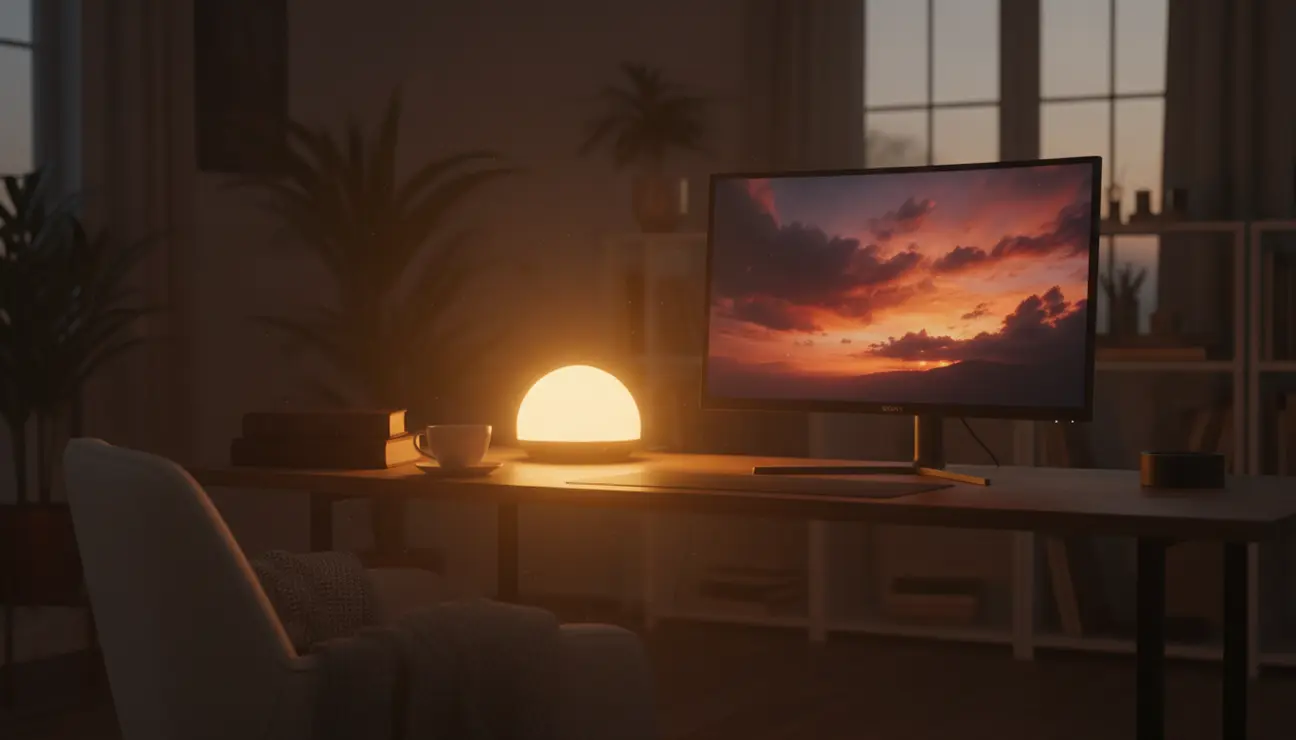
To combat the pervasive issue of digital eye strain, adopt the 20/20/20 rule. Every 20 minutes, shift your gaze to an object at least 20 feet (or 6 metres) away for 20 seconds. This allows the tiny muscles in your eyes to relax and reset.
Beyond breaks, harmonise your screen with your environment. Adjust your monitor’s brightness to match the ambient light in your room. In the evening, as natural light fades, switch to warm, soft lamps. This gentle shift in lighting signals to your brain that the day is winding down, aiding melatonin production and paving the way for a deeper, more restorative sleep.
Your First Step Towards Calm
You do not need to solve everything at once. The path to a calmer workspace begins with a single, mindful choice.
If a persistent neck ache and eye strain are your primary sources of discomfort, start today by elevating your screen. A stack of books is a functional first step. However, if a feeling of mental clutter and distraction is overwhelming you, investing in a structured space with the Zentic Desk Organiser Shelf will provide the most significant and immediate relief. Embracing these WFH ergonomic tips is an investment in your focus and your peace of mind.
Your 3-Step Action Plan for Immediate Relief
1. Set a Timer: Before you do anything else, set a recurring 20-minute timer on your phone for the rest of the day. When it sounds, practise the 20/20/20 rule.
2. Adjust Your Foundation: Take five minutes to adjust your chair height. Ensure your feet are flat on the floor and add a cushion for lumbar support.
3. Curate One Zone: This evening, choose one small area of your desk—perhaps the right-hand side—and spend just ten minutes organising it. Create a home for each item, or remove it entirely. Notice the feeling it creates.
Frequently Asked Questions (FAQ)
Can better ergonomics really help reduce my anxiety?
Yes. A tense, hunched posture sends continuous stress signals to your nervous system, which can perpetuate feelings of anxiety. By creating a physically supportive and calm environment, you reduce these physical triggers, helping to soothe your body’s fight-or-flight response.
What’s the most important ergonomic change I can make for free?
Adjusting your monitor height and taking regular screen breaks. Ensuring the top of your screen is at eye level costs nothing and provides immediate relief to your neck and shoulders. The 20/20/20 rule is a powerful, free habit for preventing digital eye strain.
My dining chair is causing back pain, what’s a quick fix?
A quick and effective fix is to roll up a bath towel and place it horizontally in the curve of your lower back for lumbar support. If your feet don’t rest flat on the floor, use a small box, a yoga block, or a thick book as a temporary footrest to create a more stable, grounded posture.
Create Your Sanctuary
A thoughtfully organised desk is the first step to a calmer mind. Explore our collection to find pieces that reduce clutter and restore your peace.
