
Blog
Pro-Level Audio: The Solo Creator’s Guide to Desktop Speaker Positioning in 2026

In a Rush? Here’s the Essence.
- Form a Perfect Triangle: Position your speakers and your listening position as three equal points. This creates a precise stereo image, so you can place sounds accurately.
- Align Tweeters to Your Ears: High-frequency sounds are highly directional. Ensure the tweeters (the smaller speaker cones) are pointing directly at your ears for a crisp, detailed sound.
- Isolate from Your Desk: Your desk surface vibrates, muddying the sound. Placing speakers on dedicated stands or pads decouples them, delivering a clean, true bass response.
From Chaos to Calm: The Importance of Desktop Speaker Positioning
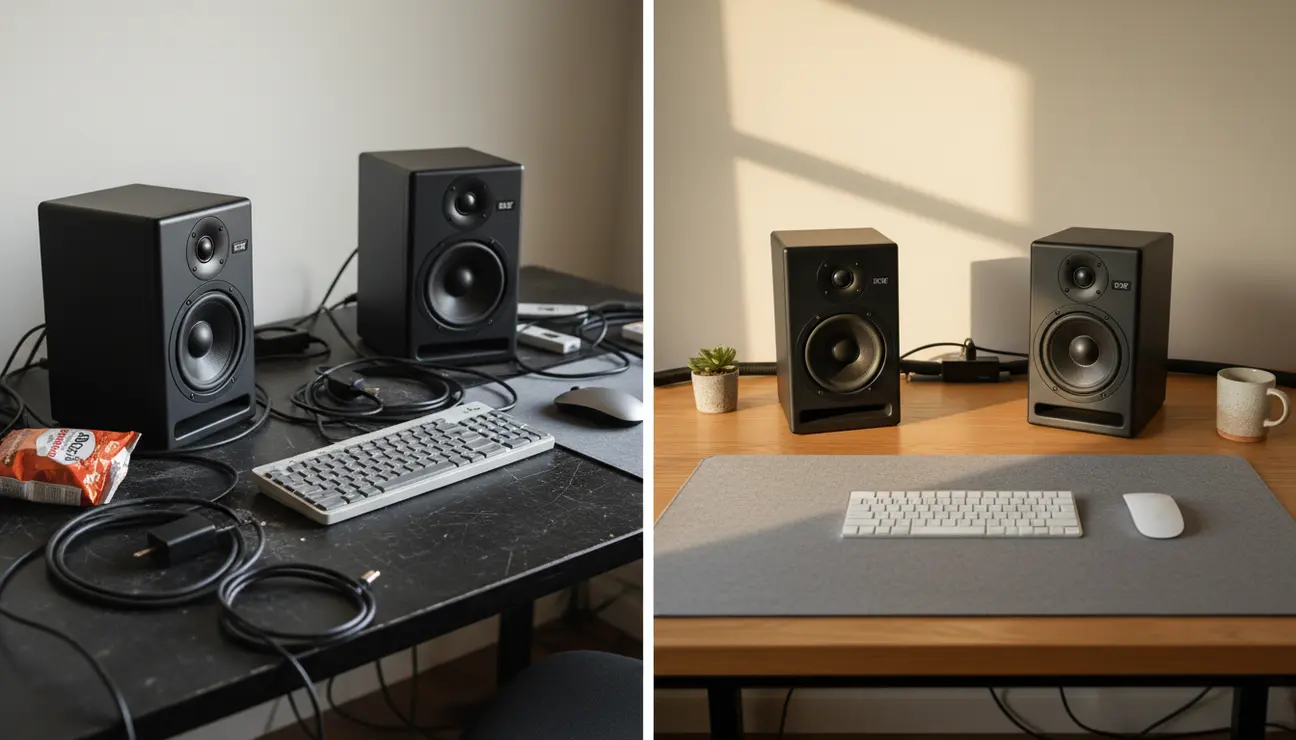
You have spent hours meticulously editing the audio for your latest video. On your desktop, the voiceover is rich, the music is balanced, and it all sounds perfect. You publish, only to hear from your audience that the sound is “muddy” or “tinny” on their devices.
This is the frustrating reality of an uncalibrated listening environment. The chaos of poor speaker placement creates a misleading sound, turning hours of work into an amateur result. This guide provides the methodical, calm path to perfect desktop speaker positioning, ensuring your final cut sounds professional everywhere.
Upgrade Your Studio?
Explore our curated collection of pro-level gear engineered for ultimate audio clarity.
Is This Guide for You?
This guide is for the solo creator, the editor, and the aspiring YouTuber who needs their audio edits to translate perfectly to their audience’s ears. It is for those who understand that audio quality is not an afterthought, but a cornerstone of professional content.
This is about levelling up your production quality and achieving an accurate, trustworthy sound without the need for a professional studio budget.
Step 1: The Foundation of the Equilateral Triangle
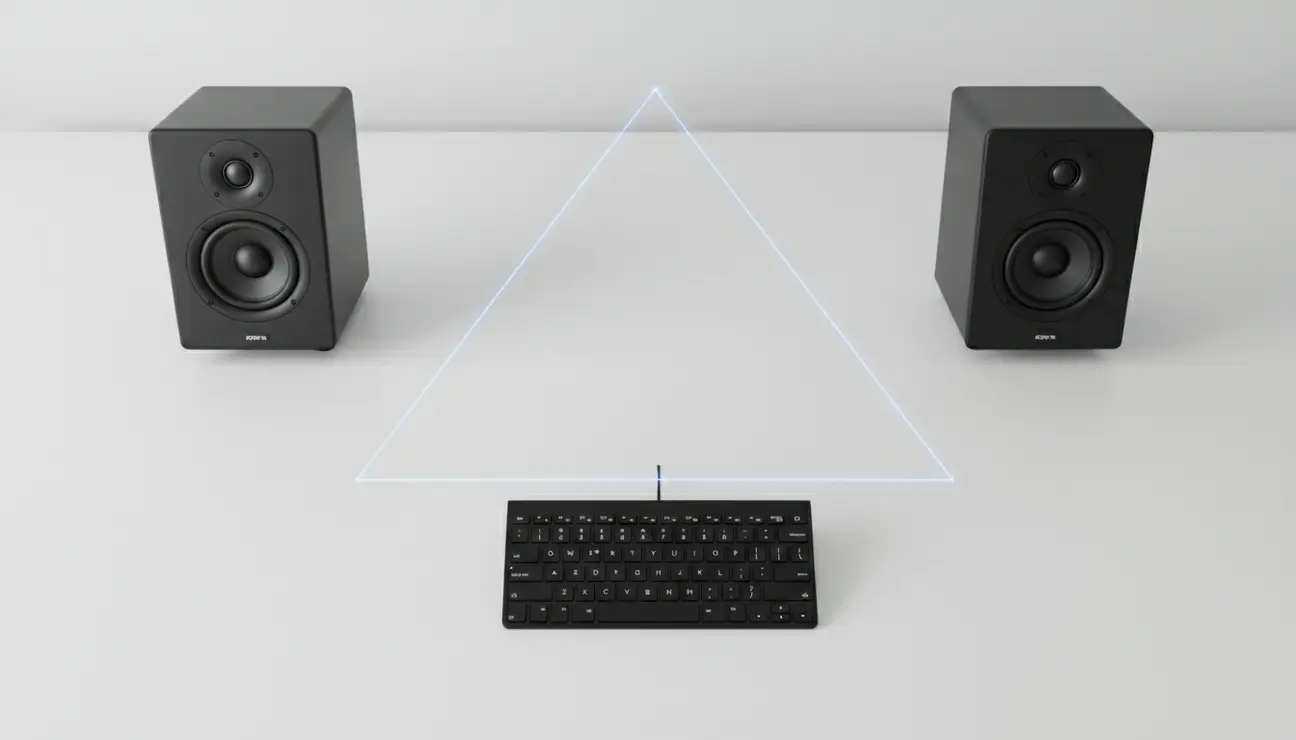
Why it matters: The equilateral triangle is the cornerstone of stereo imaging. When positioned correctly, the sound from the left and right speakers reaches your ears at the exact same time. This cohesion creates a ‘phantom centre’, making voiceovers sound crisp, present, and locked in the middle of the screen.
Instructions:
- Sit in your primary editing chair, in your normal posture. This is your listening position—the third point of the triangle.
- Using a tape measure, measure the distance between the centre of your two speakers. Let’s say this is 100 cm.
- Now, measure the distance from the centre of the left speaker to your head. It must also be 100 cm.
- Finally, measure the distance from the centre of the right speaker to your head. Adjust until it is also 100 cm.
> Pro Tip: Imagine a single piece of string connecting the three points—from speaker, to speaker, to your head. If the triangle is perfect, the string will be equally taut between all three points.
Step 2: The Elevation to Ear-Level
Why it matters: High-frequencies, which carry the critical details of your audio like vocal clarity and the snap of a snare drum, are very directional. If your speaker’s tweeters are firing at your chest, you are losing a significant amount of this detail, leading to a dull, muffled mix.
Instructions:
- Remain seated in your listening position.
- Identify the tweeter on your speaker. It is the smaller of the cones, typically above the main woofer.
- Using a ruler or a straight edge, check if the centre of the tweeter is horizontally aligned with your ear canal.
- Adjust the height of your speakers until they are perfectly level with your ears. This ensures you hear the full spectrum of sound exactly as it was intended.
Step 3: The Isolation from Desk Vibrations
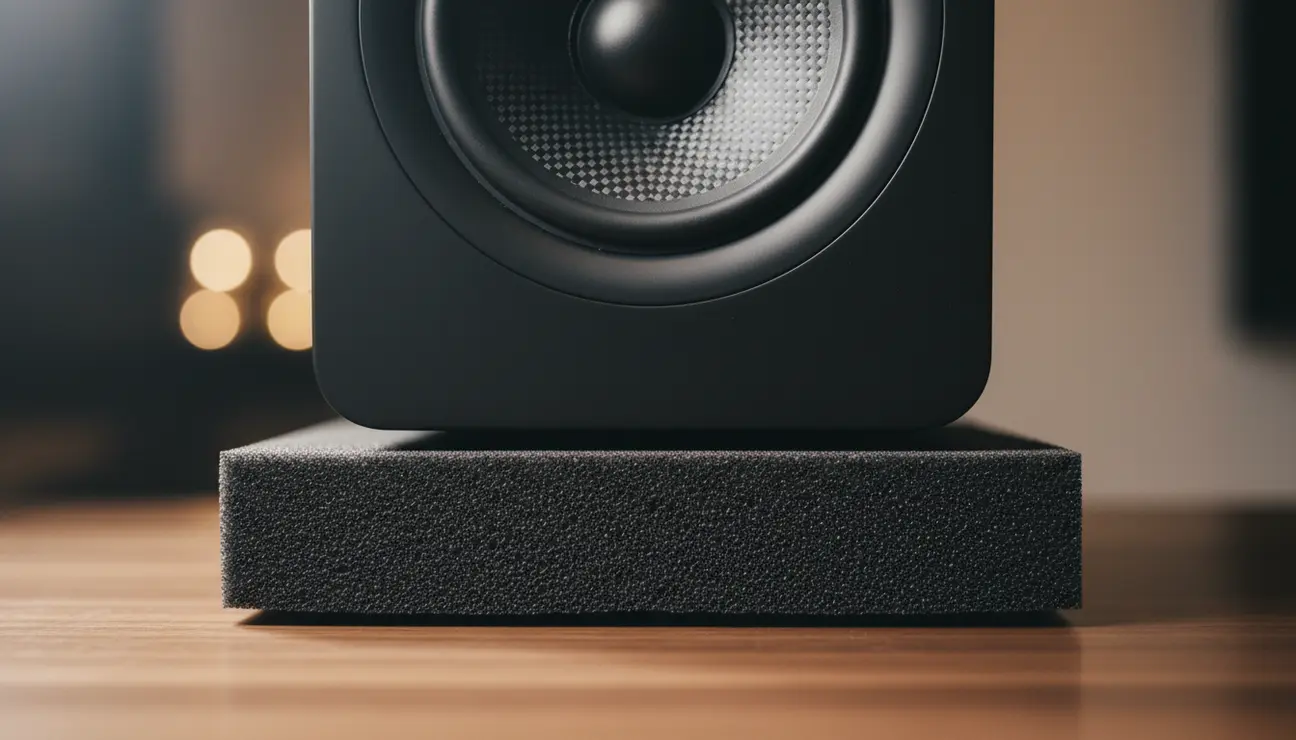
Why it matters: Your desk is a large, flat surface—a natural resonator. When a speaker sits directly on it, its vibrations transfer into the wood or metal, which then resonates and ‘colours’ the sound. This is a primary cause of muddy bass and a key reason why mixes sound amateurish.
Instructions:
- Never place your speakers directly on the desk surface.
- Use a dense, purpose-made isolation pad or stand to absorb these micro-vibrations.
- This act of ‘decoupling’ stops the desk from becoming a part of the speaker, allowing you to hear the pure, intended sound from the drivers alone.
> Pro Tip: For the ultimate acoustic purity and aesthetic focus, invest in a dedicated piece like the Zentic Unity Speaker Stands. Their dense, vibration-absorbing material is engineered to provide complete acoustic isolation. The minimal design not only complements a clean workspace but elevates the speakers to the correct height, solving two problems with one thoughtful solution.
Step 4: The Environment and Boundary Management
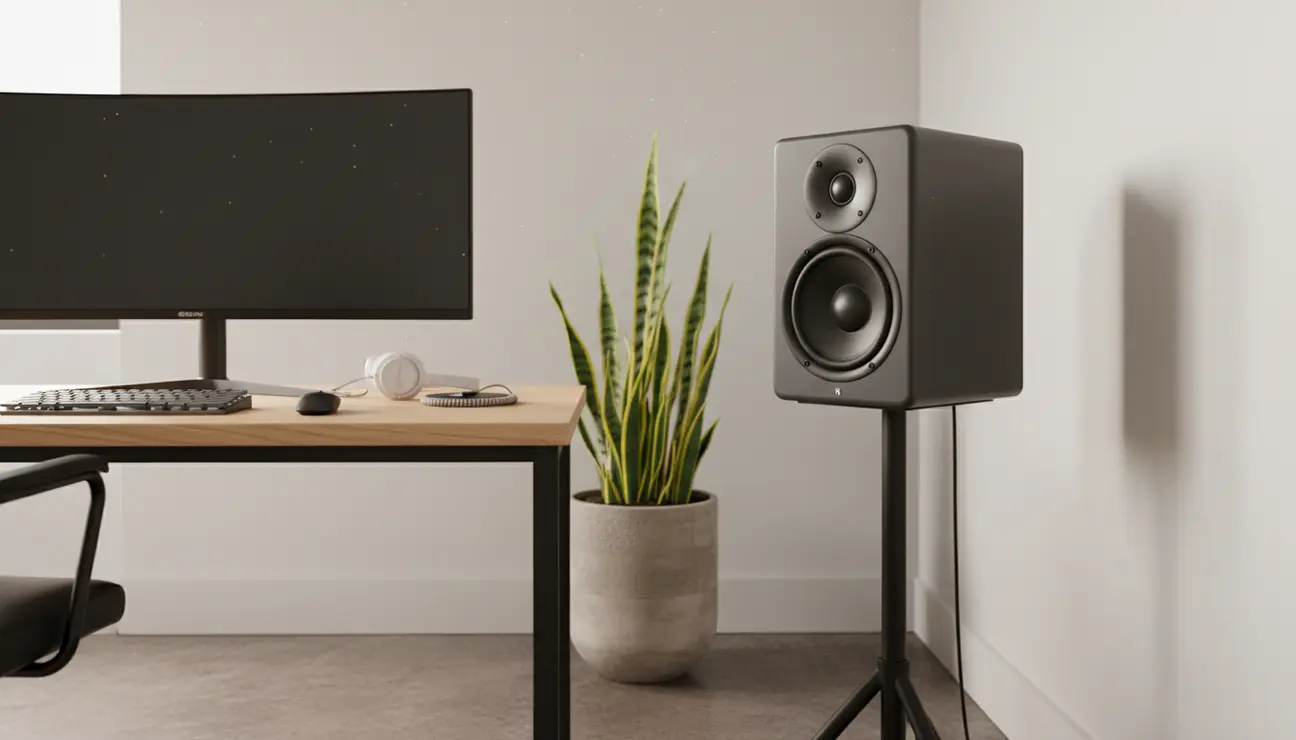
Why it matters: The room itself is an instrument. Placing speakers too close to a wall artificially boosts bass frequencies. This tricks your ears into thinking there is more bass than there actually is, causing you to mix it too low. The result is a thin, weak sound on every other system.
Instructions:
- Ensure there is a gap of at least 20-30 cm between the rear of your speakers and the wall behind them.
- If possible, avoid setting up in a perfect square room or in the exact centre of a room, as this can create problematic sound wave buildups.
- Check that your left and right speakers have similar surroundings. Having one next to a wall and another in open space will create an unbalanced stereo image.
> Pro Tip: You do not need expensive acoustic panels to make a difference. A thick rug on the floor, a full bookshelf, or even heavy curtains can effectively absorb stray reflections and tighten the sound in your space.
Your Newfound Clarity
By following these four steps, you have done more than just move your speakers. You have built a reliable, accurate monitoring environment. You have transformed a chaotic variable into a controlled constant.
This newfound clarity, born from precise desktop speaker positioning, means you can mix with confidence, knowing that what you hear is the truth. Your edits will become faster, your decisions more precise, and the final product will translate with the professionalism your work deserves. You have just given your entire production a significant upgrade, for free.
Common Questions, Answered.
1. Does the speaker ‘toe-in’ angle matter for video editing?
Yes, subtly. ‘Toeing in’ means angling the speakers inward so they point directly at your ears, rather than straight ahead. For most desktop setups, the tweeters should be aimed just behind your head. This widens the ‘sweet spot’ and creates a more forgiving listening area, which is ideal for the longer editing sessions typical of video work.
2. What if my desk is too small for a perfect triangle?
A common issue. The priority is to maintain the *equilateral* nature of the triangle, even if it is smaller. Do not compromise the equal distances. Get as close as you can, and then consider using speaker stands that clamp to the side or rear of your desk to reclaim space and achieve the ideal width.
3. Are expensive speaker cables (€100+) necessary for good positioning?
For the lengths used on a desktop, no. While high-quality cables are important in a large studio, the sonic difference at this scale is negligible. A standard, well-made speaker cable will perform perfectly. Your investment is far better spent on proper stands or isolation pads, which will provide an audible, transformative improvement.
Build Your Pro-Level Setup
Your audio is only as good as its foundation. Explore studio-grade stands, isolation pads, and essential gear to build the ultimate, acoustically-true workspace.
