
Blog
The Minimalist Workspace: A Neuroscience-Backed Guide to Deep Focus

In an era defined by constant connectivity and an unrelenting stream of information, the ability to focus without distraction has become a rare and valuable commodity. We often blame our lack of productivity on willpower or poor time management, overlooking the most immediate culprit: our physical environment. The space in which you work acts as the external hard drive for your mind. When that space is chaotic, cluttered, or poorly designed, your cognitive bandwidth is drained simply by processing the visual noise around you. Creating a minimalist workspace is not merely an aesthetic choice reserved for interior design magazines; it is a strategic necessity for anyone looking to perform deep work and achieve a state of flow.
The modern professional faces a paradox where technology enables work from anywhere, yet true focus is harder to find than ever. A minimalist approach to your workspace cuts through this noise by stripping away the non-essential, leaving only the tools that serve a distinct purpose. This does not mean working in a sterile, empty box. Rather, it is about intentionality—curating an environment where every object, from the lighting to the position of your monitor, is engineered to support sustained attention. By reducing friction and eliminating visual anchors that trigger distraction, you create a sanctuary where the mind is free to tackle complex problems with clarity and precision.
The Neuroscience of Clutter and Cognitive Load
To understand why minimalism boosts productivity, we must look at how the human brain processes information. Our brains are not designed to ignore the environment; they are evolutionarily wired to constantly scan for threats and changes. Every item on your desk—a stack of unread mail, a tangled cable, a knick-knack from a conference three years ago—competes for your neural attention. Even if you are not actively looking at these objects, they occupy space in your visual field, forcing your brain to expend energy filtering them out. This phenomenon effectively taxes your cognitive load, leaving you with less mental energy for the task at hand.
By adopting a minimalist workspace, you are essentially reducing the background processing your brain must perform. When the visual field is clear, the brain can direct its full resources toward the primary focal point, whether that is writing a report, coding software, or analyzing data. This reduction in sensory input facilitates a faster transition into “deep work”—the state of peak concentration where real value is produced. A clean desk acts as a clean slate for the mind, signaling that it is time to work and that there are no immediate distractions requiring attention.
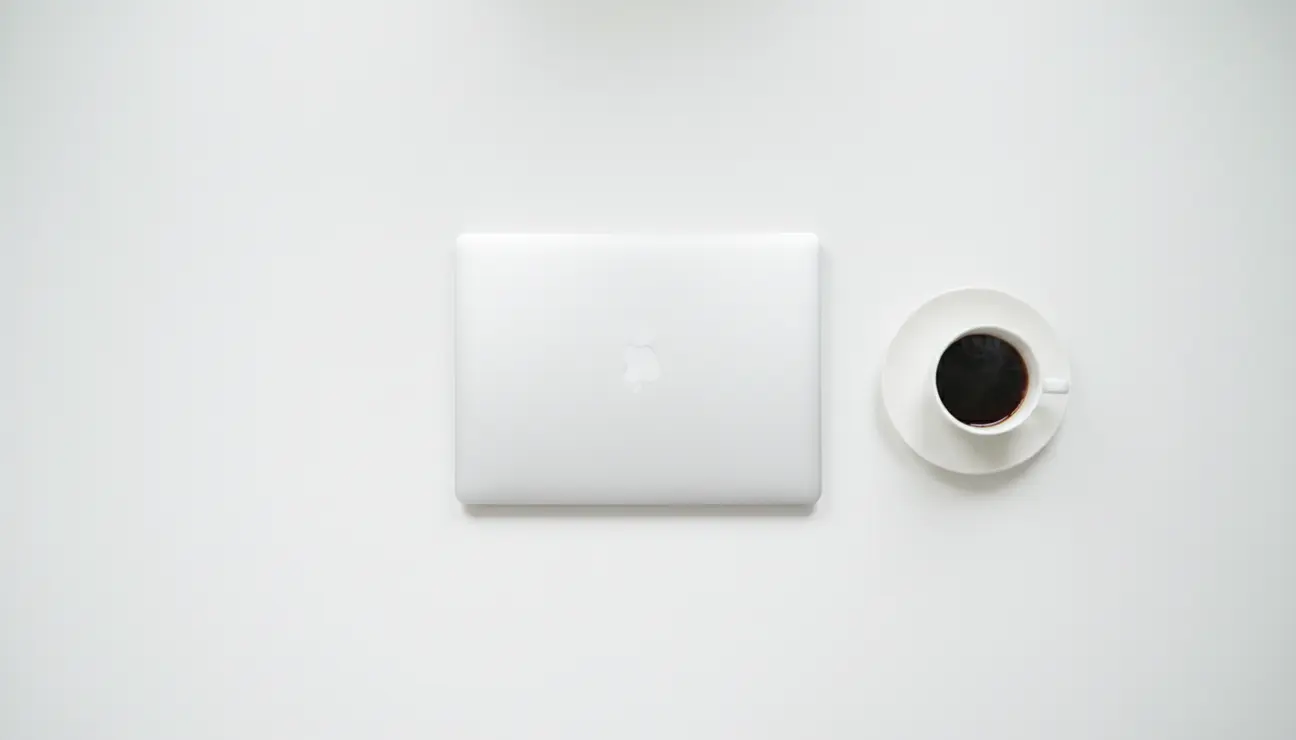
Furthermore, physical clutter often manifests as psychological stress. The presence of unfinished tasks or disorganized piles creates a low-level anxiety that buzzes in the background of your consciousness. It serves as a constant reminder of what you haven’t done, rather than supporting what you are currently doing. Eliminating this clutter is a direct way to lower cortisol levels and create a sense of control. When you sit down at a minimalist workstation, the absence of chaos promotes a mental stillness that is the precursor to high-level creative and analytical thinking.
Establishing the Physical Foundation: Desk and Seating
The centerpiece of any workspace is the desk itself, and in a minimalist setup, the surface area is sacred. A common mistake is choosing a desk that is too small, leading to immediate overcrowding, or one that is too large, encouraging the accumulation of junk. The ideal minimalist desk offers enough depth to place your monitor at arm’s length while leaving ample space for a keyboard, mouse, and perhaps a notebook, without feeling cramped. The material matters as well; matte finishes in neutral tones like white, oak, or walnut absorb light rather than reflecting it, reducing eye strain and visual glare that can subtly wear down your focus over the course of a day.
Equally important is the chair, which serves as the physical anchor for your body. Minimalism in seating does not imply a rigid, uncomfortable stool. Instead, it prioritizes ergonomic function over bulky, over-padded executive designs. A high-quality ergonomic chair with a mesh back and adjustable lumbar support blends into the room while providing the necessary suspension for long hours of deep work. The goal is for the chair to disappear from your awareness. If you are constantly shifting to find a comfortable position, your focus is broken. The best minimalist chair is one that supports your posture so perfectly that you forget you are sitting, allowing your mind to remain entirely on the work.
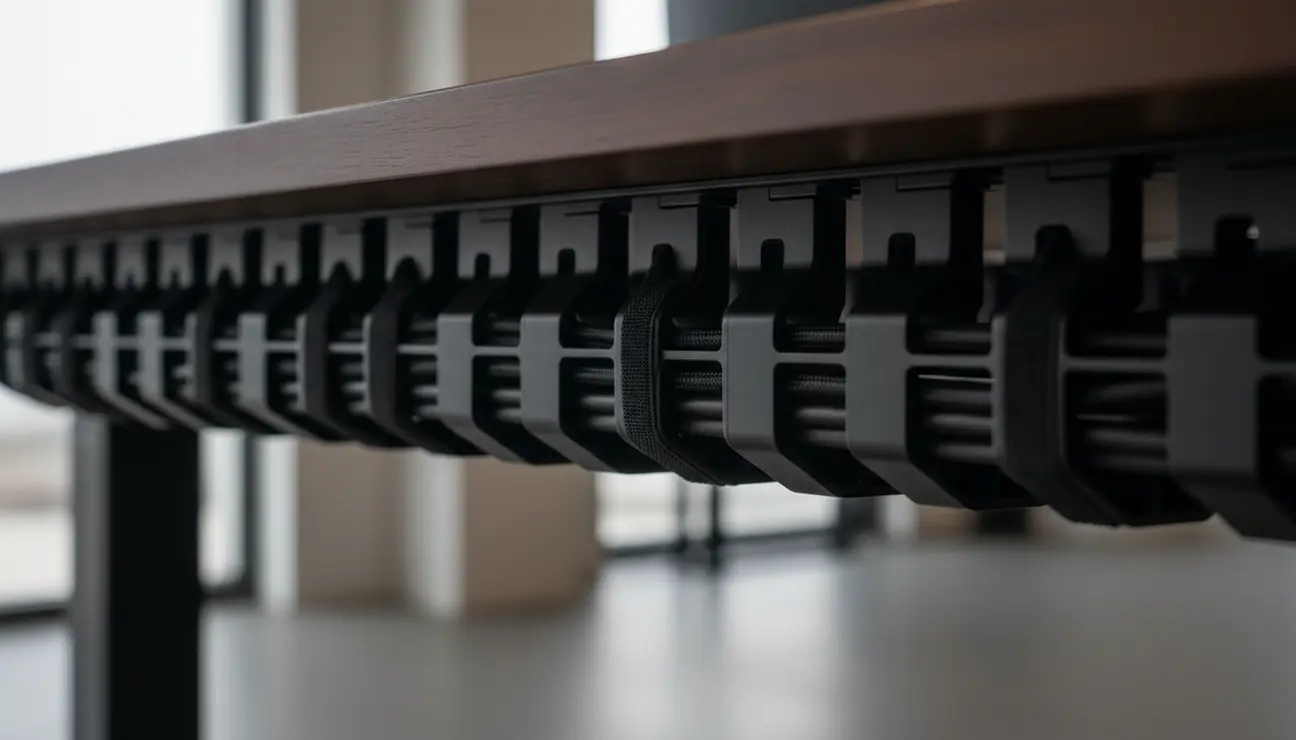
For those looking to take ergonomics and minimalism a step further, the sit-stand desk is a powerful tool. It eliminates the need for a static posture, allowing you to alter your physical state without leaving your deep work zone. The mechanism itself should be quiet and smooth, and the legs should include cable management solutions to prevent the visual chaos of wires dangling as the desk rises. By integrating movement into your workflow, you keep energy levels high and blood flowing to the brain, countering the lethargy that often accompanies prolonged sitting.
Visual Noise and the Line of Sight
Once the furniture is in place, the next step is managing the “line of sight.” This concept refers to everything visible to you when you are looking at your screen or glancing just above it. In many home offices, desks are pushed against walls adorned with calendars, sticky notes, shelves, and artwork. While decoration is not inherently bad, a wall that is too “loud” can be a major distraction. For deep work, the wall behind your monitor should be relatively neutral. If you choose to hang art, select pieces that are abstract or calming, rather than text-heavy posters or chaotic imagery that invites the eye to wander and decode.
Monitor placement is critical here. A single, high-quality monitor often serves the minimalist ethos better than a dual or triple-monitor setup, which can lead to “window management” fatigue. With one large, ultra-wide screen, you can have two windows open side-by-side—the research and the draft—without the bezel gap or the temptation to have email and Slack open on peripheral screens. If you must use multiple displays, ensure they are perfectly aligned and mounted on an arm that lifts them off the desk surface. This reclaiming of the space under the monitor creates a sense of airiness and openness that is vital for a minimalist aesthetic.
The desktop surface itself should adhere to the “active use” rule. Only items that are being used for the current task should be on the desk. If you are typing, only the keyboard and mouse remain. If you are sketching, the laptop is closed or moved aside. Everything else—staplers, pens, reference books, headphones—should have a designated home inside a drawer or on a nearby shelf, out of sight but within reach. This discipline prevents the “creep” of clutter. When you finish a task, the ritual of clearing the desk resets the space for the next activity, creating a physical boundary between different types of work.
Lighting Architecture for Sustained Focus
Lighting is often the most underestimated element of a productive workspace. Harsh overhead fluorescent lighting induces fatigue and headaches, while dim lighting can cause drowsiness. A minimalist workspace utilizes a layered lighting approach that mimics natural daylight cycles to maintain circadian rhythms and energy levels. The primary source should ideally be natural light, positioned so that it does not create glare on your screen. However, relying solely on windows is inconsistent. Therefore, a high-quality, adjustable desk lamp or a monitor light bar is an essential tool.
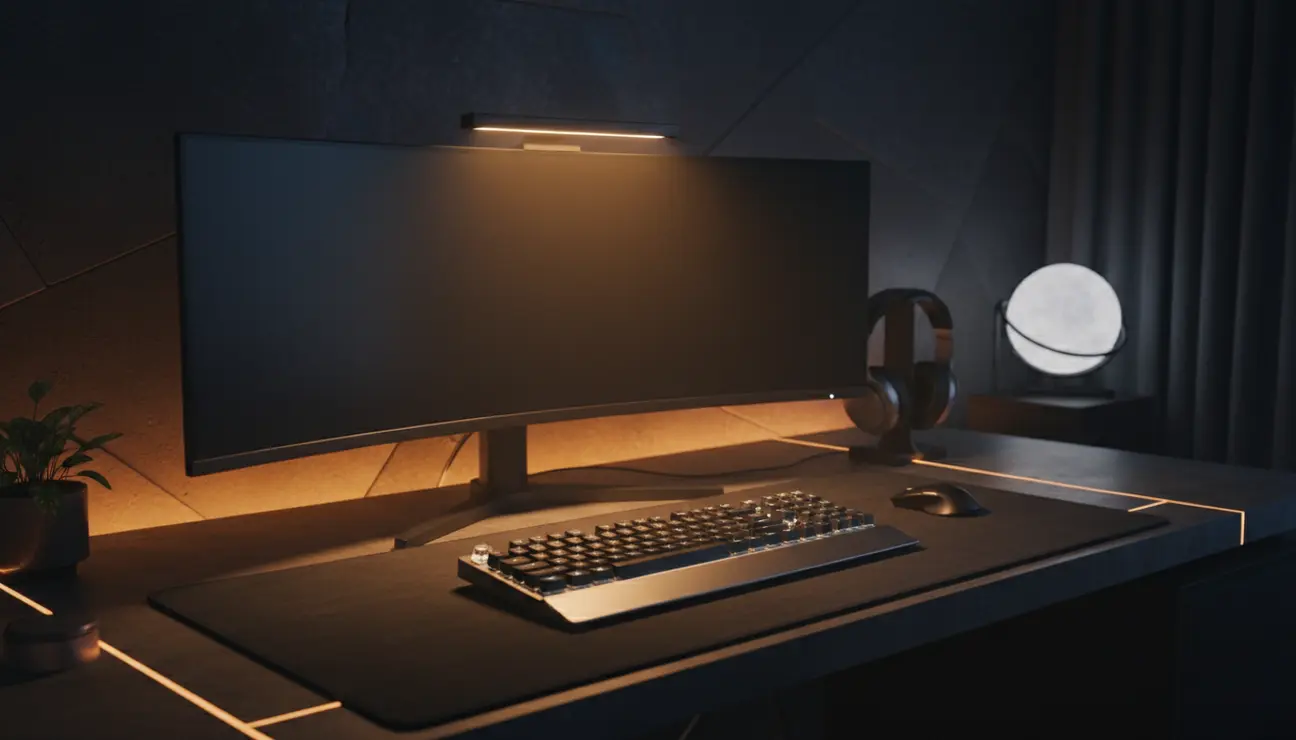
A monitor light bar is particularly effective for minimalist setups. It sits on top of your screen and casts light downward onto your workspace without reflecting off the monitor glass or shining in your eyes. This saves desk space by eliminating the base of a traditional lamp and provides focused illumination exactly where you need it. Look for lights with adjustable color temperature; cooler, blue-enriched light (around 5000K-6000K) promotes alertness and is best for analytical tasks in the morning, while warmer light (2700K-3000K) is better for creative, relaxed work or winding down in the late afternoon.
Beyond task lighting, consider bias lighting. This involves placing a soft LED strip behind your monitor to cast a gentle glow against the wall. This reduces the contrast between the bright screen and the dark room, significantly reducing eye strain during long sessions. In a minimalist guide for deep work, protecting your vision is paramount; if your eyes are tired, your brain will force you to stop working. Bias lighting creates a comfortable visual environment that allows you to work longer and more comfortably without the physical fatigue that usually signals the end of a workday.
Acoustic Control and the Sound of Silence
Visual distractions are obvious, but acoustic distractions are insidious. The hum of a refrigerator, the traffic outside, or the conversation in the next room can shatter focus in an instant. For a minimalist workspace, acoustic control is just as important as visual decluttering. If you cannot control the noise source, you must control the reception. This makes a pair of high-fidelity active noise-canceling (ANC) headphones an absolute essential. They act as a “focus switch” for the brain; putting them on signals that you are unavailable to the outside world and fully present in your work.
However, silence is not always the best backdrop for productivity. Total silence can sometimes amplify internal distractions or make sudden noises more jarring. Many professionals find that a consistent, non-intrusive soundscape aids deep work. This could be white noise, pink noise, or instrumental lo-fi music. The key is that the sound should be uniform and lack lyrics, which engage the language processing centers of the brain and compete with reading or writing tasks.
For the room itself, hard surfaces reflect sound, creating echoes that make a space feel cold and hollow. Minimalist design often risks this by removing carpets and curtains. To counter this, introduce soft textures that absorb sound without adding clutter. A dense wool rug, acoustic foam panels mounted artistically on the wall (perhaps in a monochrome geometric pattern), or even a fabric notice board can dampen reverberation. These elements soften the sensory experience of the room, making it feel contained and private, which psychologically reinforces the feeling of a “deep work bunker.”
Digital Minimalism: Extending the Workspace to the Screen
A pristine physical desk is useless if your digital desktop is a disaster zone. The principles of minimalism must extend to the screen. A cluttered computer desktop, filled with dozens of random files and screenshots, triggers the same cognitive load as a messy physical desk. The first step in digital minimalism is to hide all desktop icons or rigorously file them into a single “Inbox” folder to be sorted weekly. Your wallpaper should be simple and non-distracting—a solid color or a calm landscape—rather than a busy image that makes icons hard to find.
Browser management is the next frontier. Tab hoarding is the digital equivalent of hoarding junk. Having thirty tabs open “just in case” splits your attention and drains your computer’s performance. Utilize tab management extensions that allow you to group tabs or save sessions for later. Adopt the practice of single-tasking: keep only the applications and tabs open that are necessary for the immediate objective. If you are writing, use a distraction-free writer that blocks out the rest of the OS. If you are coding, use “Zen mode” in your editor.
Notification hygiene is perhaps the most critical aspect of digital minimalism. Deep work is impossible if your phone buzzes or a Slack banner slides onto your screen every ten minutes. Configure your devices to strict “Do Not Disturb” modes during work blocks. Remove social media apps from your home screen or block them entirely on your work machine. The goal is to move from a reactive state, where you respond to pings, to a proactive state, where you check communication channels only at designated times. This digital silence allows you to follow a thought to its conclusion without being derailed.
The Role of Analog Tools
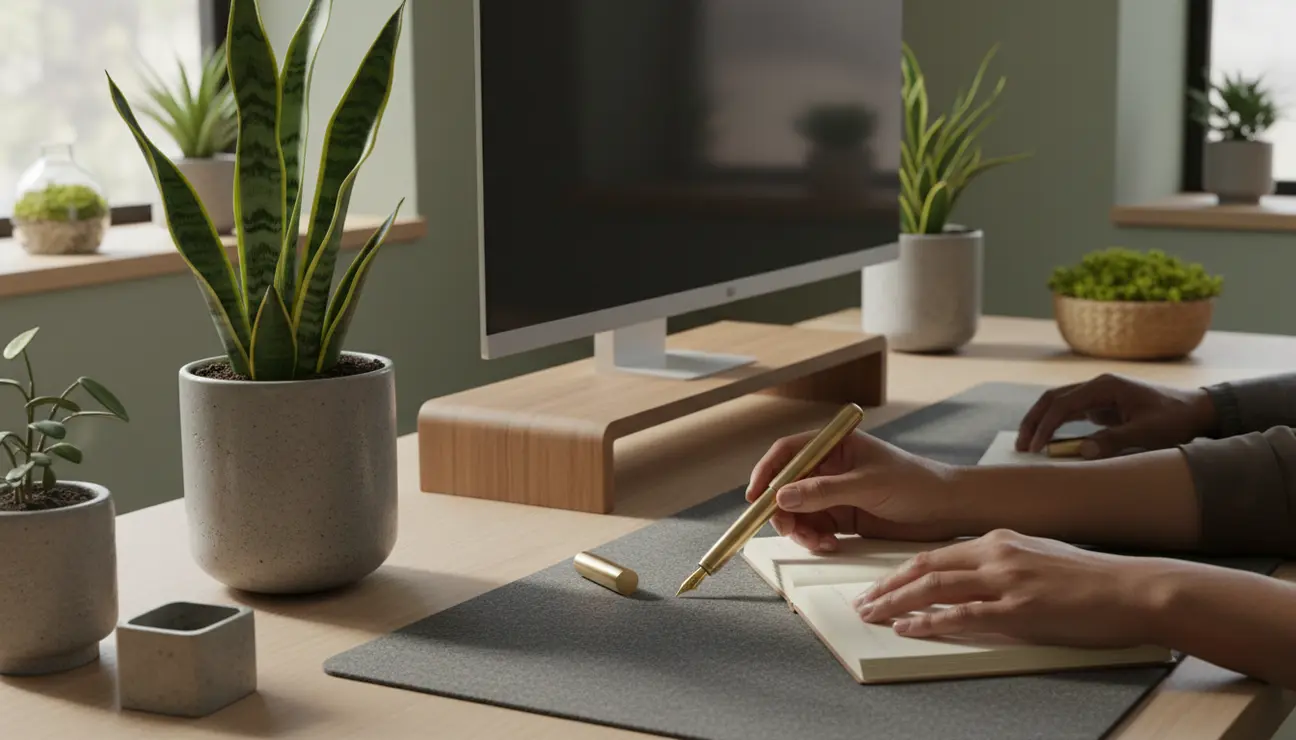
Paradoxically, one of the best additions to a high-tech minimalist workspace is a low-tech analog tool: a simple notebook and a high-quality pen. In a digital world, paper offers a unique respite. It does not crash, it has no notifications, and it does not emit blue light. Using a notebook for daily planning or brainstorming allows you to disconnect from the screen and engage different neural pathways. The physical act of writing slows down your thinking, allowing for greater deliberation and retention of information.
Keep a dedicated “capture” notebook open on your desk. When a random thought, to-do item, or distraction pops into your head while you are working, write it down immediately. This offloads the thought from your working memory, assuring your brain that it will be dealt with later, and allowing you to return to your deep work instantly. This technique, often called “parking,” prevents the rabbit hole of quickly checking Google for something unrelated and losing an hour of time.
Furthermore, analog tools provide a visual progress indicator that digital tools often lack. Crossing off a task on paper provides a tangible dopamine hit and a sense of momentum. For the minimalist, a single, high-quality notebook replaces a scattering of sticky notes and loose scraps of paper. It consolidates your external brain into one bound volume that looks elegant on the desk and serves a vital function in maintaining mental clarity.
Biophilic Elements: Bringing Life to the Void
Minimalism runs the risk of feeling sterile or clinical, which can be counterproductive to creativity. Humans have an innate connection to nature, known as biophilia, and integrating natural elements into the workspace has been proven to lower stress and improve cognitive function. A minimalist workspace should include at least one living element, such as a low-maintenance plant. The greenery provides a soft visual resting place for the eyes during breaks, reducing eye fatigue.
The choice of plant matters. It should be sculptural and self-contained, not messy or prone to shedding leaves all over your pristine desk. A snake plant, a ZZ plant, or a small bonsai are excellent choices that require minimal care and offer striking silhouettes. The pot should match the neutral color palette of your setup—ceramic, concrete, or matte metal.
Beyond plants, consider the view. If possible, position your desk to face a window or have a view of the outdoors. Natural light and the ability to look at a distant horizon allow for “soft fascination,” a state where the mind wanders gently, replenishing attention stores. If a window isn’t available, natural materials like a wooden desk top or stone coaster can introduce that necessary organic texture, grounding the technological heaviness of the modern workspace.
Maintaining the System: The Shutdown Ritual
A minimalist workspace is not a one-time achievement; it is a habit. Entropy guarantees that disorder will return if left unchecked. The most vital habit for maintaining this environment is the “shutdown ritual” at the end of every workday. This is a non-negotiable ten to fifteen-minute period where you transition out of work mode.
During this ritual, you close all tabs and applications on your computer. You file away any digital documents created that day. You take the coffee mug to the kitchen. You wipe down the desk surface. You place the keyboard and mouse back in their aligned positions. You push the chair in. By physically resetting the space to its neutral, pristine state, you are doing two things: you are psychologically disconnecting from work, allowing you to relax fully in your off hours, and you are gifting your future self a frictionless start to the next morning.
Walking into a chaotic office in the morning forces you to start the day with cleanup and organization, wasting your peak energy hours. Walking into a spotless, minimalist workspace invites you to sit down and begin deep work immediately. This cycle of use and reset is what transforms minimalism from a visual style into a sustainable productivity engine.
The ROI of a Minimalist Workspace
Investing time and resources into creating a minimalist workspace yields returns far greater than a pleasant-looking Instagram photo. It buys you time, focus, and mental peace. In a world that monetizes your attention, protecting it with a physical and digital fortress is a competitive advantage. When your environment is stripped of the superfluous, your mind is free to operate at its highest potential. You stop fighting your surroundings and start using them as a conduit for your best work. The essentials of deep work—clarity, purpose, and sustained attention—are not abstract concepts; they are the direct result of the space you cultivate. By mastering your environment, you master your focus.
