
Blog
How to Clean Your Tech: The Minimalist’s Guide for a Focused Workspace in 2026

In a Rush? Here’s the Essence.
- A systematic, step-by-step process removes guesswork and restores your tech to its pristine state, creating a workspace free from distraction.
- Using a curated toolkit prevents damage to sensitive coatings and components, protecting your investment.
- A clean physical environment directly translates to a clear mental environment, enhancing deep work and sustained focus.
Why Learning How to Clean Tech Matters
Look at the chaos on a neglected desk: the dusty keyboard, the smudged monitor, the tangled cables. This isn’t just physical mess; it is mental noise. Learning how to clean tech properly is the first step to reclaiming that focus. Each speck of dust and greasy fingerprint is a micro-distraction, a tiny snag on your concentration that hinders productivity and breaks your state of flow.
The act of cleaning your technology is not a chore. It is a system reset. It is a deliberate, methodical practice to remove friction between you and your work, paving the way for the serene, organised outcome your mind craves.
Ready to Eliminate Chaos?
True workspace clarity begins with cable management—the foundation of a minimalist setup.
Is This Guide for You?
This guide is for remote professionals, software engineers, and digital creatives who view their workspace as a critical tool for productivity. If you believe a clean, organised environment is a prerequisite for clear thinking, you’re in the right place.
The Path to a High-Performance Workspace
What follows is not just a list of tips, but a systematic protocol for restoring order and function to your tech. Following a clear process eliminates guesswork and guarantees a perfect result every time, transforming your desk into a high-performance sanctuary.
Step 1: The System Shutdown & Prep
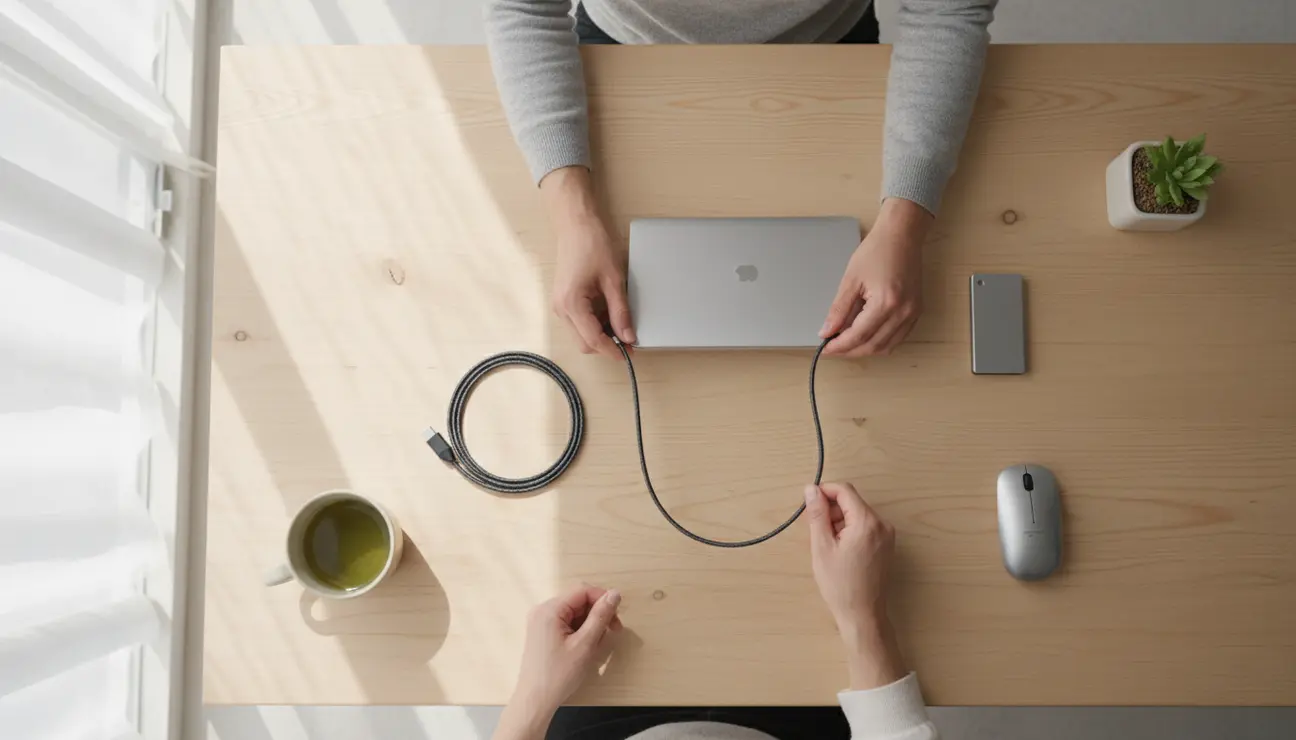
We begin with ‘mise en place’—a methodical preparation. This first step is crucial for safety and effectiveness.
1. Power down all devices completely. Do not just put them to sleep.
2. Unplug everything. Disconnect peripherals from your computer and all power bricks from the wall.
3. Relocate peripherals to a clear, separate surface. This creates space for a thorough clean.
> Pro Tip: Take a ‘before’ photo. This serves as a motivator and a useful reference for reorganising your cable management later.
Step 2: Assemble Your Minimalist Toolkit
Using the correct tools is not about perfectionism; it is about efficiency and protection. Household cloths leave lint, and common cleaners can strip the protective coatings from your screens. A minimalist toolkit ensures a safe, flawless result.
You will need:
- High-quality microfibre cloths
- An isopropyl alcohol solution (70%)
- A canister of compressed air
- A soft-bristled brush
We have already performed the curation for you. The Zentic Tech Organiser & Cleaning Kit is the logical choice—a single, considered kit containing everything you need. It eliminates the inefficiency of sourcing individual items and guarantees every component is perfectly suited for your technology.
Step 3: The Screen Protocol for Flawless Clarity

Your monitor is your window to your work; it should be invisible. Streaks and smudges create a subtle filter of distraction.
1. Never spray liquid directly onto a screen. This can cause fluid to seep behind the bezel and damage internal components.
2. Apply a light mist of the cleaning solution onto a clean microfibre cloth. The cloth should be damp, not wet.
3. Wipe the screen gently from top to bottom in overlapping strokes. This methodical motion prevents the circular streaks left by random scrubbing.
> Pro Tip: For matte screens, which are particularly sensitive, use a dry, high-quality microfibre cloth first. This lifts surface dust without grinding it into the display’s delicate finish.
Step 4: The Keyboard & Peripherals Detail

Your keyboard and mouse are the primary points of physical contact with your digital world. They accumulate the most debris and bacteria.
1. Use compressed air to dislodge dust and debris from between the keys. Hold the can upright and use short, controlled bursts.
2. Wipe all surfaces with a fresh microfibre cloth lightly dampened with the cleaning solution.
3. Employ a soft brush to gently clean around keys, mouse sensors, and scroll wheels where grime accumulates.
For those with mechanical keyboards seeking a truly deep clean, carefully remove the keycaps according to the manufacturer’s instructions. This allows for unparalleled access to the keyboard deck for a complete system reset.
Your Newfound Clarity
The transformation is complete. This is not just about clean equipment; it is about reclaiming mental bandwidth. The absence of physical clutter fosters an environment of calm efficiency, allowing your focus to deepen.
You have made a direct investment in your productivity and well-being.
> Final Thought: Make this a bi-weekly ritual. Mastering how to clean tech is a 15-minute reset that is all it takes to maintain this state of calm efficiency.
How to Clean Tech: Frequently Asked Questions (FAQ)
How often should I perform a deep clean?
For daily, heavy use, a deep clean is recommended every two weeks. For lighter use, a monthly protocol is sufficient. A quick wipe of primary surfaces should be done weekly.
Can I use water and a standard cloth?
We advise against it. Tap water contains minerals that can leave deposits on your screen, and standard cotton cloths shed lint and can be abrasive. Specialised tools exist for a reason: they deliver a perfect, risk-free result.
What’s the biggest mistake people make when cleaning tech?
The most common and damaging mistake is using harsh chemicals (like window cleaner or all-purpose sprays) or applying any liquid directly to the device. This can permanently damage anti-glare screen coatings and sensitive internal electronics.
Maintain Your Focus.
Your workspace is a high-performance tool. Equip it with precision cleaning gadgets designed to maintain clarity and eliminate distractions.
