
Blog
3 Best Streaming Background Lights to Banish Amateur Hour in 2026

- Best Overall Solution: Zentic ChromaBar for its all-in-one simplicity and professional-grade colour.
- Best for Creative Branding: Govee Neon Rope Light for shaping custom, memorable designs.
- Best Budget Start: A simple RGB Floodlight for an instant and dramatic colour wash.
From ‘Bedroom Streamer’ to Polished Professional
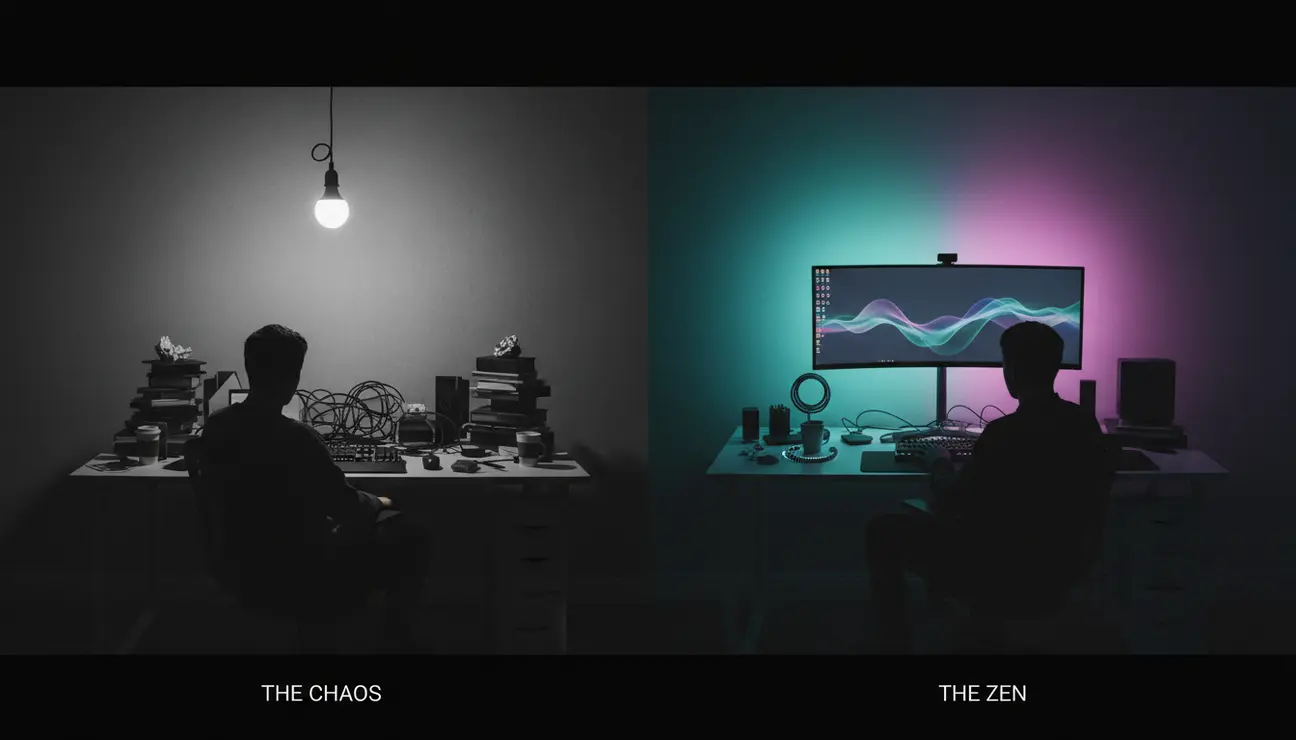
Look at the image of the creator on the left. The harsh shadows, the dimly lit, uninspired space. The message is lost in the visual noise. Now, look to the right. The same creator, the same content, but transformed by light. This is the difference between being heard and being seen.
We have all felt the frustration of creating valuable content, only to watch the footage back and see a flat, amateurish background. It undermines your authority and detracts from your expertise. The strategic use of streaming background lights is the single fastest way to elevate your perceived production value, transforming your space from a mere room into a professional set.
Who Is This Guide For?
This guide is for the solo creator, the aspiring YouTuber, and the Twitch streamer working without a large crew or budget. It is for anyone ready to upgrade their on-camera presence and create a background that reflects their personality, without needing a degree in lighting engineering. This is your blueprint for a calm, controlled, and professional aesthetic.
Item 1: The Zentic ChromaBar – The All-in-One Solution
The Chaos
Juggling multiple lights, tangled cables, and bulky stands in a small space creates clutter, both physically and mentally. Attempting to sync colours and brightness across different brands and apps is a recipe for frustration, pulling you out of your creative flow right before you go live.
The Zen
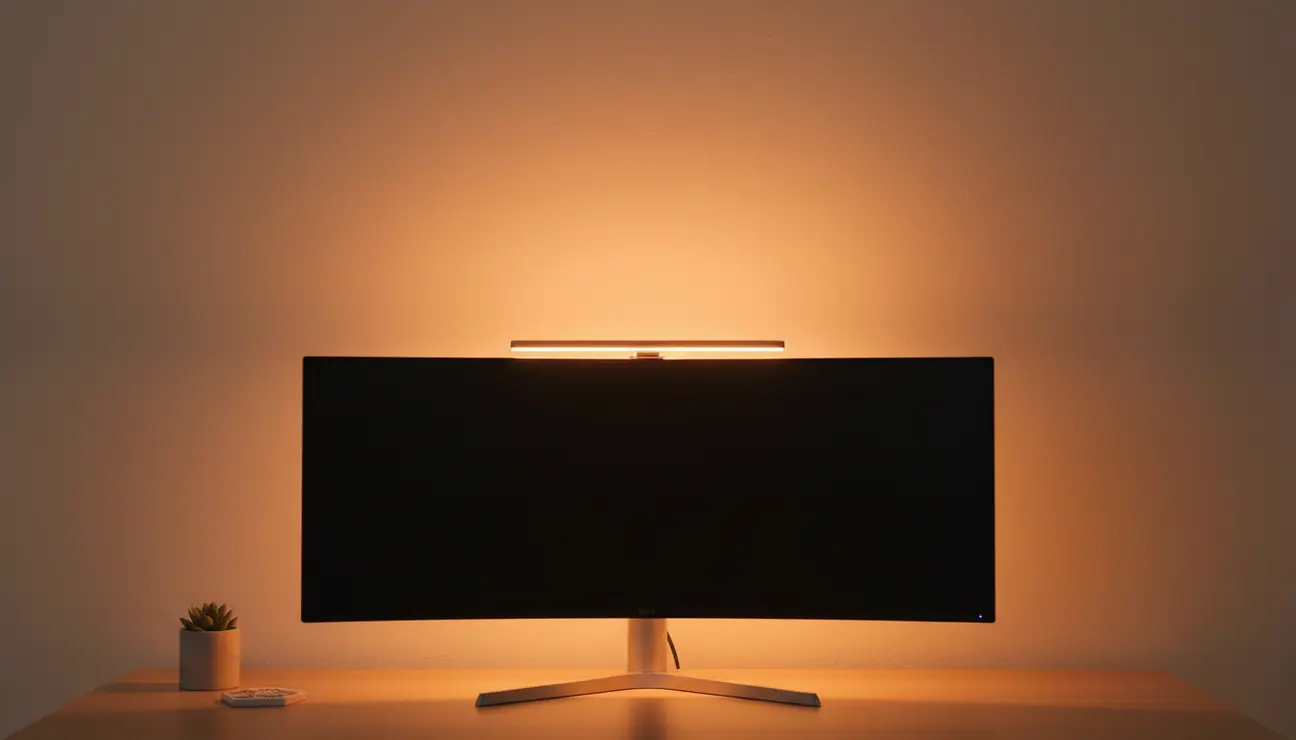
The Zentic ChromaBar is a single, sleek unit that washes your wall with millions of precise, vibrant colours. It is the definition of simplicity. Go from box to broadcast-ready in minutes. Its high Colour Rendering Index (CRI) ensures that every colour is rendered authentically on camera, making your skin tones look natural and your background rich and true-to-life. All of this is controlled from one intuitive app.
- Pros: Minimalist all-in-one design, App-controlled colour scenes, High Colour Rendering Index (CRI) for accuracy.
- Cons: Higher initial investment than basic bulbs.
> Pro Tip: Use the app to create a custom ‘On-Air’ scene. A single tap transforms your relaxed, warm-white office into your vibrant, branded streaming background, helping you mentally switch into ‘creator mode’.
Item 2: Govee Neon Rope Light – The Shape Shifter
The Chaos
You are competing for attention against a sea of creators who all have the same rectangular, flat background. How do you add a unique visual signature to your space without commissioning expensive art or permanent neon signage?
The Zen
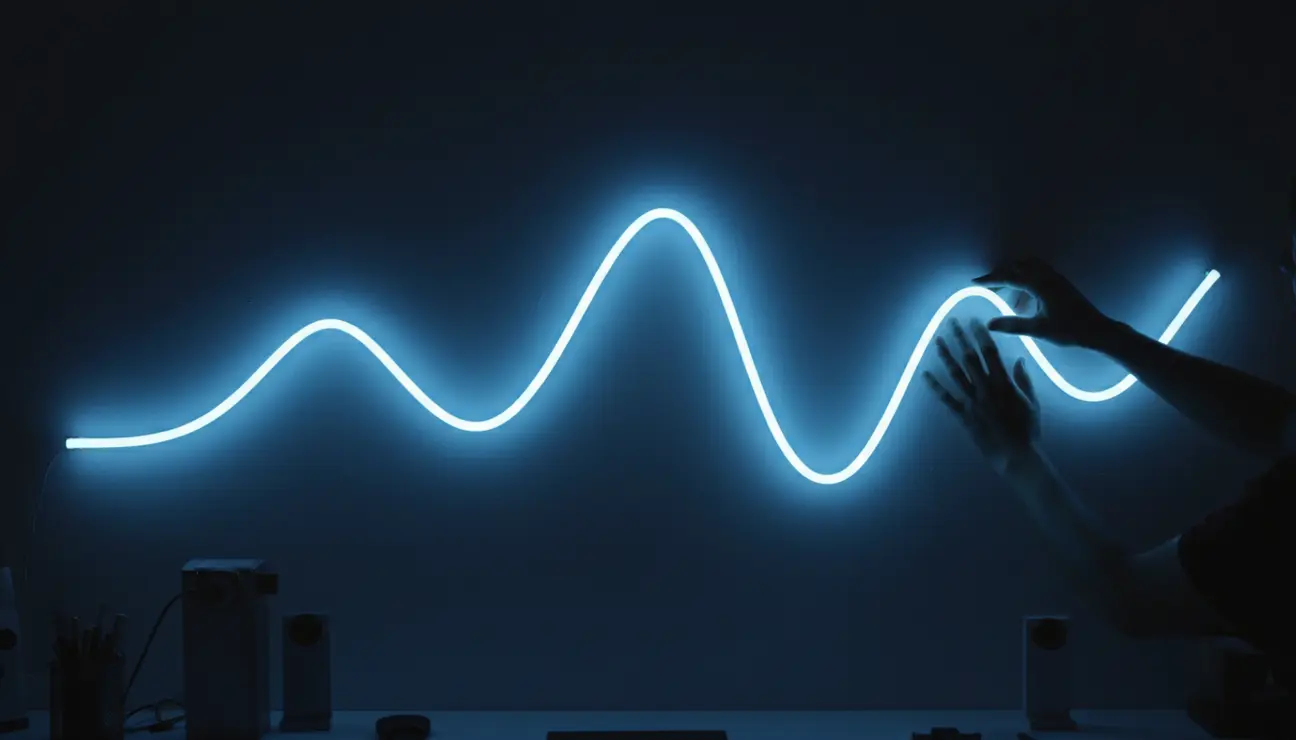
The Govee Neon Rope Light is a flexible tube that allows you to literally draw with light. Bend it into your logo
Upgrade Your Studio?
Lighting is just the start. Discover curated gear to complete your professional content creation space.
, an abstract shape that reflects your brand’s energy, or use it to create a soft, cinematic under-desk glow. This is about adding a memorable, personal touch that viewers will instantly associate with your channel. The matte finish of the rope diffuses the light, creating a continuous line of colour without distracting hotspots.
- Pros: Highly flexible for creative shapes, Vibrant, saturated colours, Good smart home integration.
- Cons: Installation requires careful planning, Less effective for lighting large wall areas.
> A thought: Your background isn’t just a backdrop; it’s a set. Think like a production designer. What single shape or colour defines your channel’s mood?
Item 3: Simple RGB Floodlights – The Budget Colour Wash
The Chaos
The belief that professional lighting is prohibitively expensive can stop you from even starting. This leads to procrastination, leaving you stuck with that same beige wall, feeling that a professional look is completely out of reach.
The Zen
For less than the price of a new video game, one or two inexpensive RGB floodlights (€20-€40 each) can instantly transform your space. Placed on the floor and aimed up the wall, they create immediate depth, drama, and mood. This is the 80/20 principle in action: achieving 80% of the effect for 20% of the cost. It is the perfect, low-risk starting point to begin learning about colour and composition.
- Pros: Extremely affordable, Very simple to set up, Creates dramatic uplighting.
- Cons: Limited control via a basic remote, Colour accuracy can be poor.
> Quick Start Tip: Place a small plant or object between the floodlight and the wall. The shadow it casts will add immediate professional-looking depth and texture to your shot.
Choosing Your Background’s Identity
Your choice of streaming background lights should be guided by your primary goal. We have curated these options to remove the guesswork and provide a clear path forward.
If you seek a single, professional, set-and-forget solution that will grow with your channel, the Zentic ChromaBar is the clear investment. For pure creative expression and branding, the Govee Neon Rope lets you put your signature on your space. If you need to add colour *right now*, grab a pair of RGB Floodlights and start experimenting today.
Frequently Asked Questions (FAQ)
Q: Do I really need streaming background lights if I have a key light?
A: Yes. A key light illuminates you, making you the subject. Background lights illuminate the space behind you. This separation creates depth, prevents the ‘flat video call’ look, and makes your entire scene look more three-dimensional and professional.
Q: How many lights do I need to start?
A: Start with one. A single light source, like a floodlight or the ChromaBar, is enough to create a simple, clean colour wash. As you define your style, you can add a second light to introduce complementary colours or a third to highlight a specific object. The key is to begin simply.
Q: Will these lights cause glare on my screen or in my glasses?
A: They shouldn’t, because the light they produce is indirect. The trick is to always aim these lights at the wall or surface *behind* you, never towards your desk or your face. This creates a soft, ambient glow without the harsh reflections that cause glare.
Ready for Pro-Grade Lighting?
From app-controlled colour to broadcast-ready effects, find the perfect lighting to elevate your stream.
