
Blog
Reclaim Your Desk: The 5 Best iPad Desk Mounts for Minimalists in 2026

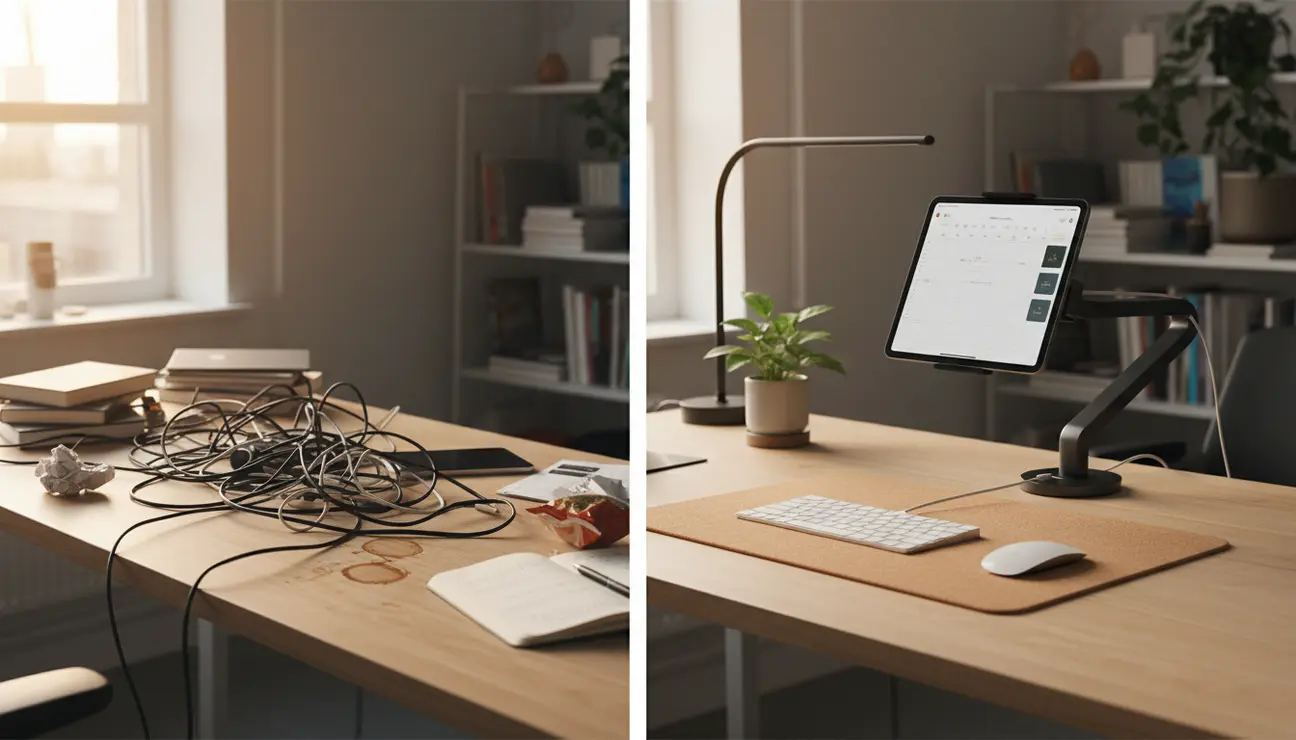
For those who value efficiency, here is the immediate summary. Desk clutter is a direct drain on cognitive resources. The optimal solution is to elevate your auxiliary screen with a quality iPad desk mount.
- For Aesthetics & Function: The ZenticFlow Mount offers the best synthesis of minimalist design and integrated cable management, creating a truly clutter-free workspace.
- For Industrial Adjustability: For tasks requiring absolute precision and robust stability, a professional-grade articulating arm is the superior choice.
Consider the image of a workspace divided. On one side, chaos reigns—an iPad lying flat amidst a sea of loose papers, tangled cables, and coffee rings. It’s a landscape of friction, where every search for a tool or clear surface is a minor tax on your focus.
Now, observe the other side. The same desk, but transformed. The iPad floats, suspended at the perfect height, its screen an extension of your workflow, not an obstacle within it. This is not just about organisation; it’s about engineering a state of calm.
This guide is for the remote software engineer, the digital creative, or any professional who understands that a decluttered physical space is the first step towards a decluttered digital mind and deeper work. We have curated the most effective tools for this purpose.
The Engineer’s Choice for Maximum Adjustability
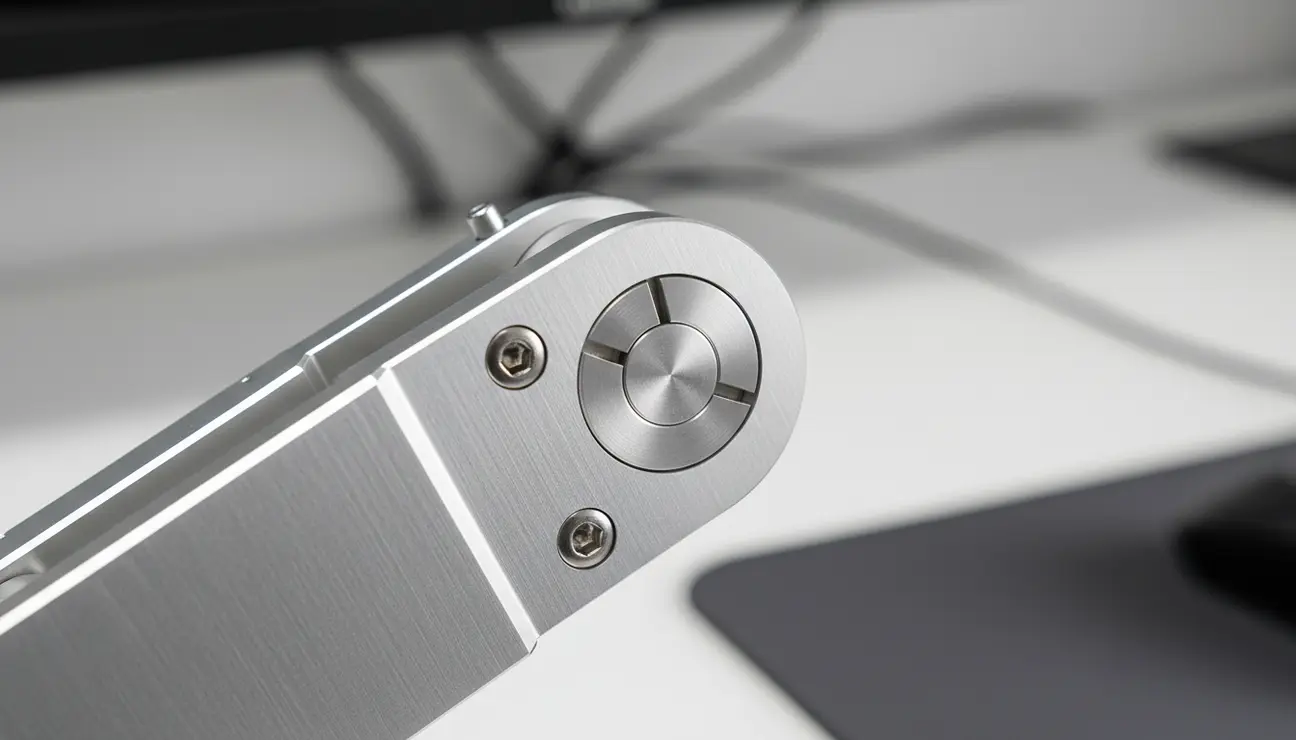
The Chaos: A wobbly screen or a mount that drifts fractions of a millimetre during a long coding session. This instability creates a constant, low-level distraction, pulling you out of a state of flow.
The Zen: Rock-solid stability that holds a precise angle for hours. This mount is built from heavy-duty aluminium, with tension-calibrated joints that eliminate sag. It becomes a totally reliable extension of your setup, moving only when you command it.
- Pros: 360-degree articulation, heavy-duty aluminium build, vesa-compatible mounting plate.
- Cons: The industrial aesthetic may not suit all setups, a larger desk clamp footprint.
> Ergonomic data suggests setting the top of your auxiliary screen at or just below eye level. A quality mount allows for micro-adjustments to achieve this, reducing neck strain by up to 30% over a typical workday.
The ZenticFlow Mount for Seamless Integration
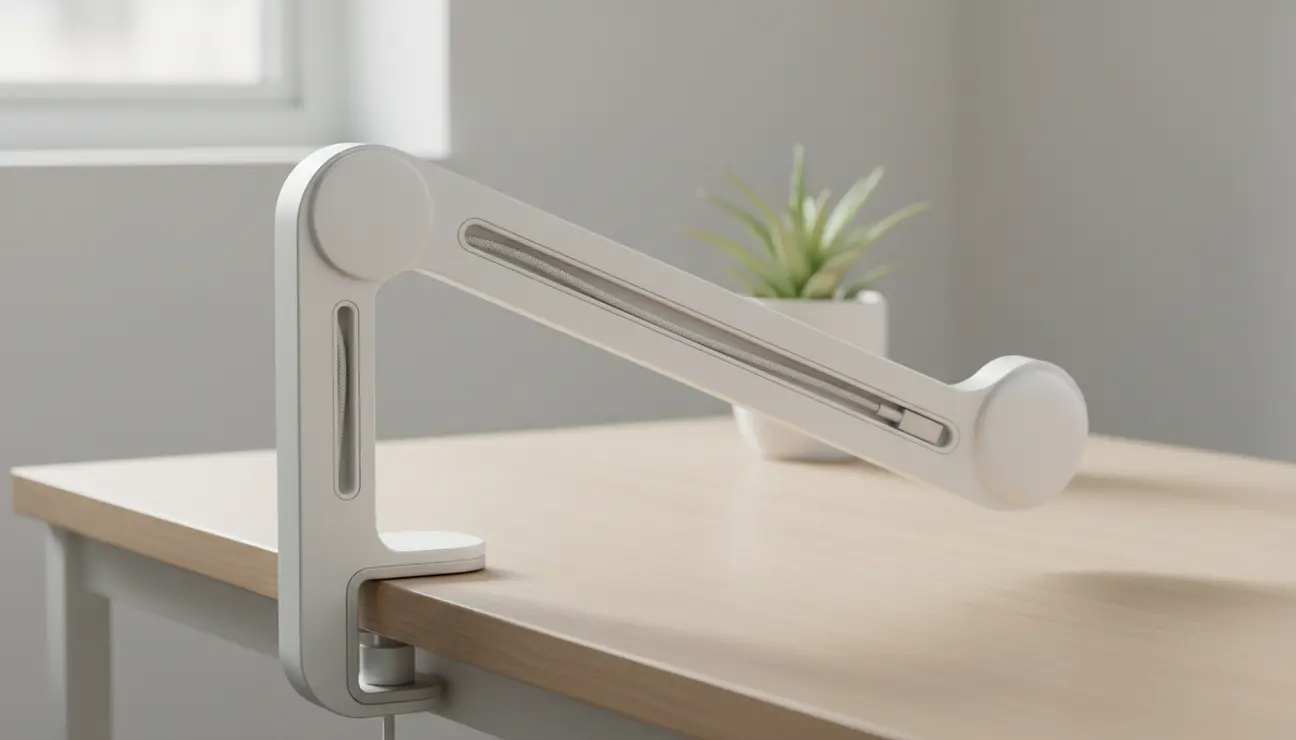
The Chaos: Ugly, oversized clamps that mar your desk surface. A spaghetti junction of visible charging cables creating constant visual noise, a to-do list for your subconscious.
The Zen: The ZenticFlow Mount is designed to disappear. Its integrated channel routes the power cable through the arm, making the iPad appear to float weightlessly. The single-bolt clamp system has a soft pressure pad, securing to your desk with minimal intrusion. Form and function are one.
- Pros: Hidden cable routing, minimalist single-bolt clamp system, matte, non-reflective finish.
- Cons: Limited to tablets up to 33 cm (13 inches), less vertical travel than industrial arms.
> Hiding the charging cable within the mount’s arm removes a constant visual ‘task’ from your subconscious, freeing up mental RAM for complex problem-solving.
Ready to Eliminate Cable Chaos?
A truly optimized setup manages every wire for a distraction-free workflow.
The Smart Starter Mount on a Budget
The Chaos: The flawed assumption that meaningful organisation requires a significant capital investment, leading to inaction.
The Zen: Achieving 80% of the benefit for a fraction of the price. This mount provides the essential function—lifting your iPad off the desk—with simple, reliable engineering. It is a logical, value-driven entry point into workspace optimisation.
- Pros: Excellent value for money (€40-€60 price point), simple, five-minute installation.
- Cons: Predominantly high-density plastic components, fewer points of articulation.
The Designer’s Pick for Ultimate Aesthetics
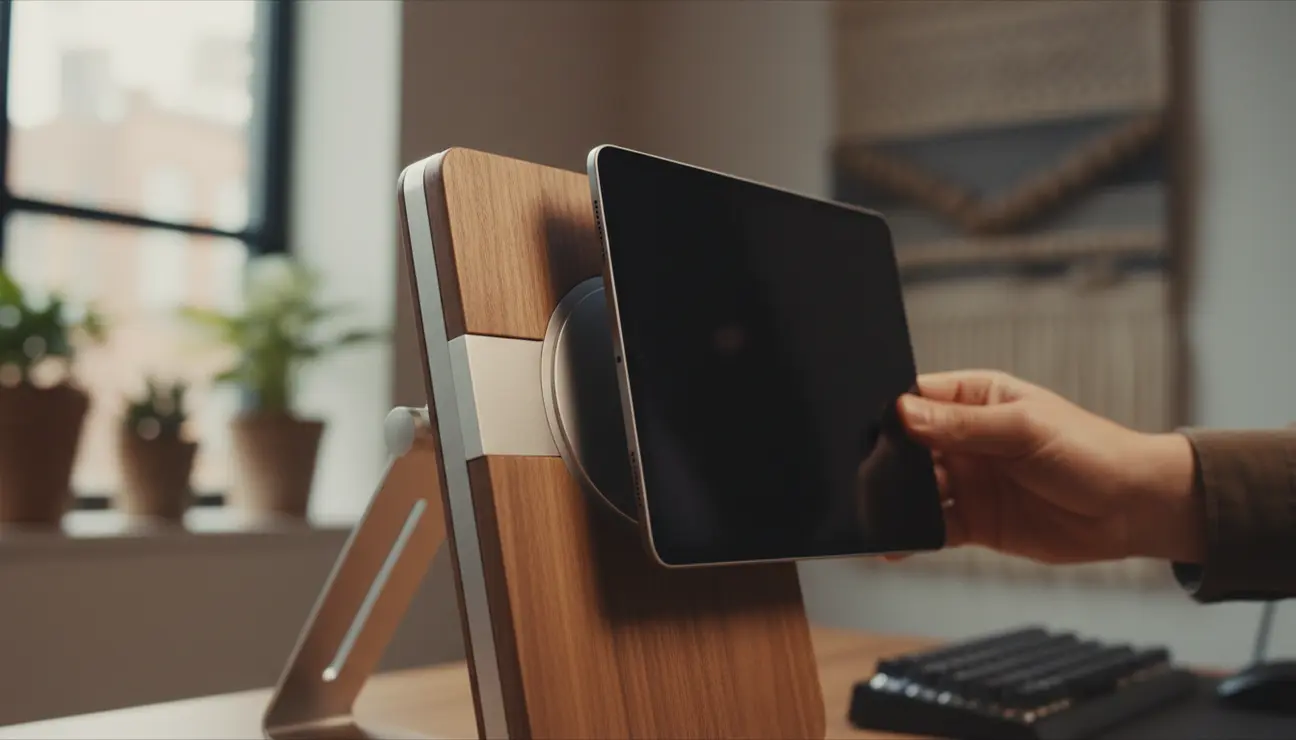
The Chaos: A workspace that is functional but feels sterile and uninspiring. The tools are effective but lack any tactile or visual satisfaction, making work feel like a chore.
The Zen: Creating an environment that is not just a tool, but an object of beauty that inspires creativity. Crafted from bead-blasted aluminium and sustainably sourced wood, this mount has a tangible quality. The magnetic attachment is satisfyingly precise.
- Pros: Premium material selection, museum-quality finishing, powerful magnetic attachment.
- Cons: Higher price point, limited range of motion compared to articulated arms.
> Using tools you find beautiful has a measurable psychological benefit. It reframes your work, associating it with quality and intention rather than just utility.
The Modularity Master for VESA Purists
The Chaos: Being locked into a proprietary ecosystem. A new device requires an entirely new set of mounting hardware, creating waste and clutter.
The Zen: A universal system based on the VESA standard. This is a simple, robust tablet clamp that attaches to any existing VESA 75/100 monitor arm. It allows you to integrate your iPad into a professional-grade setup you may already own, offering maximum flexibility and future-proofing.
- Pros: Integrates with universal VESA standard arms, extremely secure and adjustable grip, cost-effective if you already own an arm.
- Cons: The mount itself has no arm; it is an adapter for an existing system.
Your decision on the right iPad desk mount should be guided by your primary driver. Do not simply acquire another piece of hardware; select the tool that removes the most friction from your day.
- For pure, uncompromised adjustability during intense technical work, choose The Engineer’s Choice.
- For the ultimate fusion of minimalist design and clutter-destroying function, the ZenticFlow Mount is the most holistically engineered choice.
- If you are testing the concept of a Sidecar setup or optimising on a budget, The Smart Starter Mount provides the best entry point.
Frequently Asked Questions (FAQ)
Can a clamp mount damage my desk surface?
It depends on the design. Look for clamps with silicone or cork pads on all contact points. The ZenticFlow Mount, for example, uses a compressed silicone pad to distribute pressure evenly, preventing indentation on wood, laminate, or composite surfaces. Avoid bare metal clamps.
How much weight can a typical iPad desk mount hold?
Most quality mounts are over-engineered for the task. A standard 12.9″ iPad Pro weighs approximately 685 g. The majority of curated mounts are rated to hold between 1 kg and 3 kg, providing significant stability and safety overhead. Always check the manufacturer’s specifications.
Is using an iPad as a second screen with Sidecar genuinely better for productivity?
For specific tasks, yes. Studies on dual-monitor setups show a productivity increase of 20-30%. Using an iPad provides this benefit with added utility. It is ideal for keeping reference material, communication apps (like Slack or Teams), or a terminal window visible while your primary monitor remains dedicated to your main development environment. It is about compartmentalising information flow.
Optimize Your Entire Workspace
An iPad mount is just the beginning. Discover minimalist, high-performance gear designed to eliminate distractions and create a state of flow.
