
Blog
Declutter Your Digital Workspace: A Minimalist’s Guide to Tech Organisation (2026)

This guide provides a logical framework for effective tech organisation, transforming your desk from a source of distraction into a high-performance tool. We do not believe in aesthetic-only solutions. The focus here is on measurable improvements to your workflow and cognitive output.
- Reduce Cognitive Drag: A disorganised workspace functions like background processes draining your CPU. We will show you how to eliminate this drag.
- Centralise Connectivity: The core of a streamlined desk is a single point of control for power and data. This eliminates decision fatigue and daily friction.
- Implement a System, Not a Style: True organisation is a repeatable process. We will detail protocols for cable management and hardware placement that support deep work.
- Optimise for Function First: A minimalist setup is not about having less; it is about ensuring everything present serves a direct, immediate purpose.
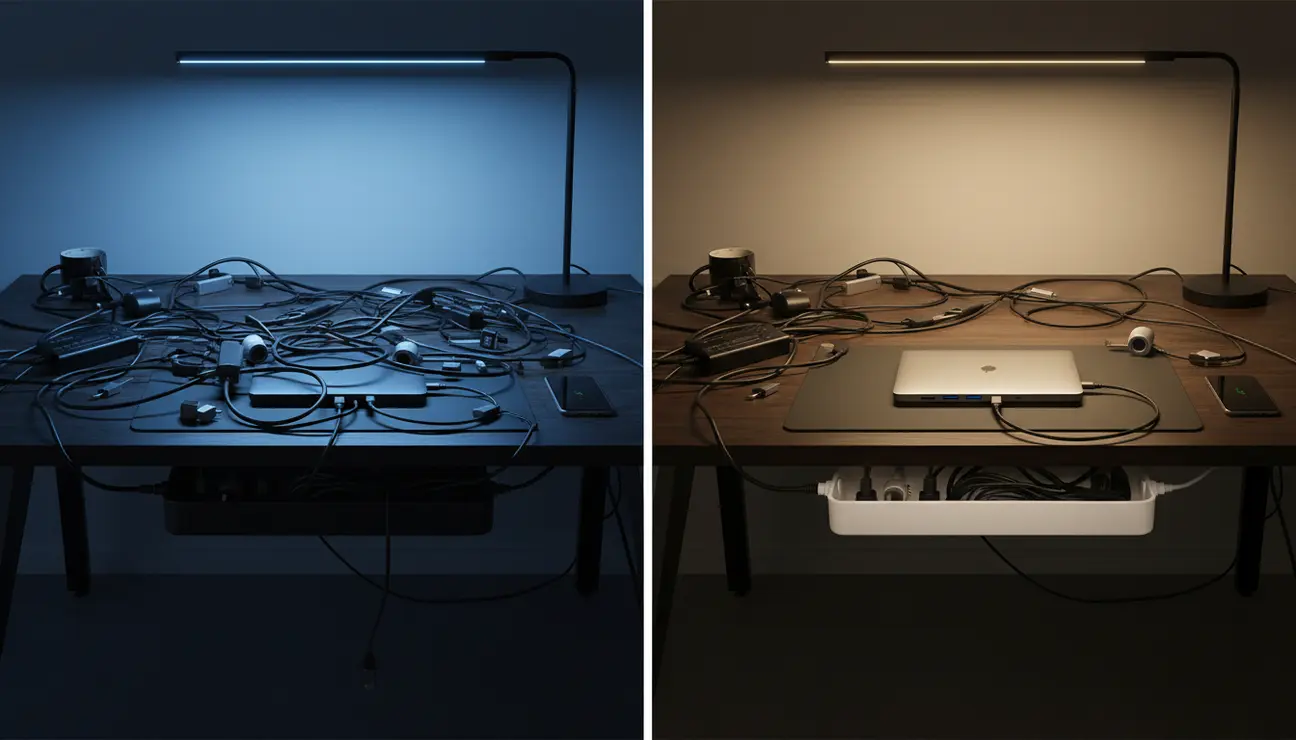
Consider the typical workspace. On one side, a chaotic tangle of cables, multiple dongles, and scattered devices under a harsh, cool light. This is a state of high cognitive drag, where your brain is constantly processing and filtering out visual noise, stealing energy from the work that matters.
Now, picture the same desk on the other side. The same equipment, but perfectly organised under a single, warm light source. This is a state of effortless focus. The transition from the former to the latter is the purpose of this guide.
Every loose cable, every misplaced adapter, every unnecessary item in your line of sight is a small tax on your prefrontal cortex. It is the hardware equivalent of running too many background processes on your machine. Each one consumes a tiny fraction of your processing power, leaving you with fewer resources for complex problem-solving and creative thought.
This Guide Is For You If…
- You are a creator or developer whose tangled cables make you feel you are debugging your own hardware just to begin the day.
- You find yourself constantly searching for the right adapter or charger, breaking your state of flow.
- You understand that a clean workspace is a prerequisite for clean code and clear thought.
- You are ready to stop managing clutter and start building a system that actively enhances your productivity.
A meticulously organised workspace is not an aesthetic indulgence; it is a cognitive performance tool. The human brain is wired to react to its environment. A cluttered desk signals chaos, prompting a low-level stress response that inhibits access to the ‘flow state’ required for deep, focused work.
This is rooted in the concept of decision fatigue. Choosing which cable to unplug or which charger to use seems trivial, but these micro-decisions accumulate. Over a day, they deplete the same mental reserves needed for strategic thinking. By creating a system where these choices are eliminated, you preserve your most valuable resource: your attention.
True tech organisation, from a minimalist perspective, is the ruthless elimination of friction between you and your work. It is about designing a space where the tools you need are immediately accessible, and everything else is invisible. This is not about achieving a certain look, but a certain state of mind.
> Mindful Moment: Your desk is not a storage unit. It is the physical interface for your most important work. Treat its configuration with the same intention you apply to your software architecture.
Refactoring a cluttered workspace follows a logical, systematic process. We will break it down into two core principles.
Principle One: The 30 cm Rule
Your primary workspace is the 30 cm radius extending from your hands at their resting position on your keyboard and mouse. Any tool required for your immediate, daily workflow—your primary monitor, keyboard, mouse, and central connectivity hub—must reside within this zone.
Everything else is secondary. Graphics tablets, external drives, and secondary charging cables should be located outside this primary zone, accessible but not intrusive.
Principle Two: The Cable Containment Protocol
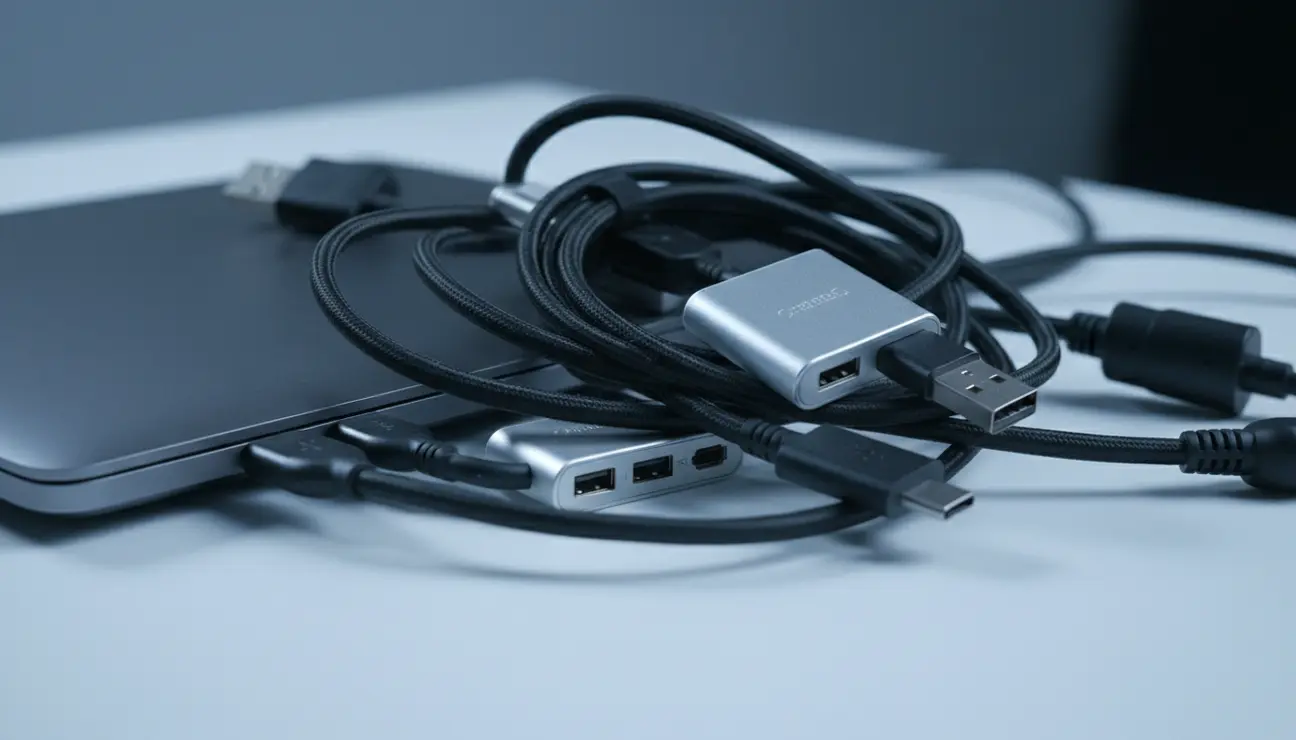
Cables are the primary source of visual noise. Group them by function before attempting to hide them.
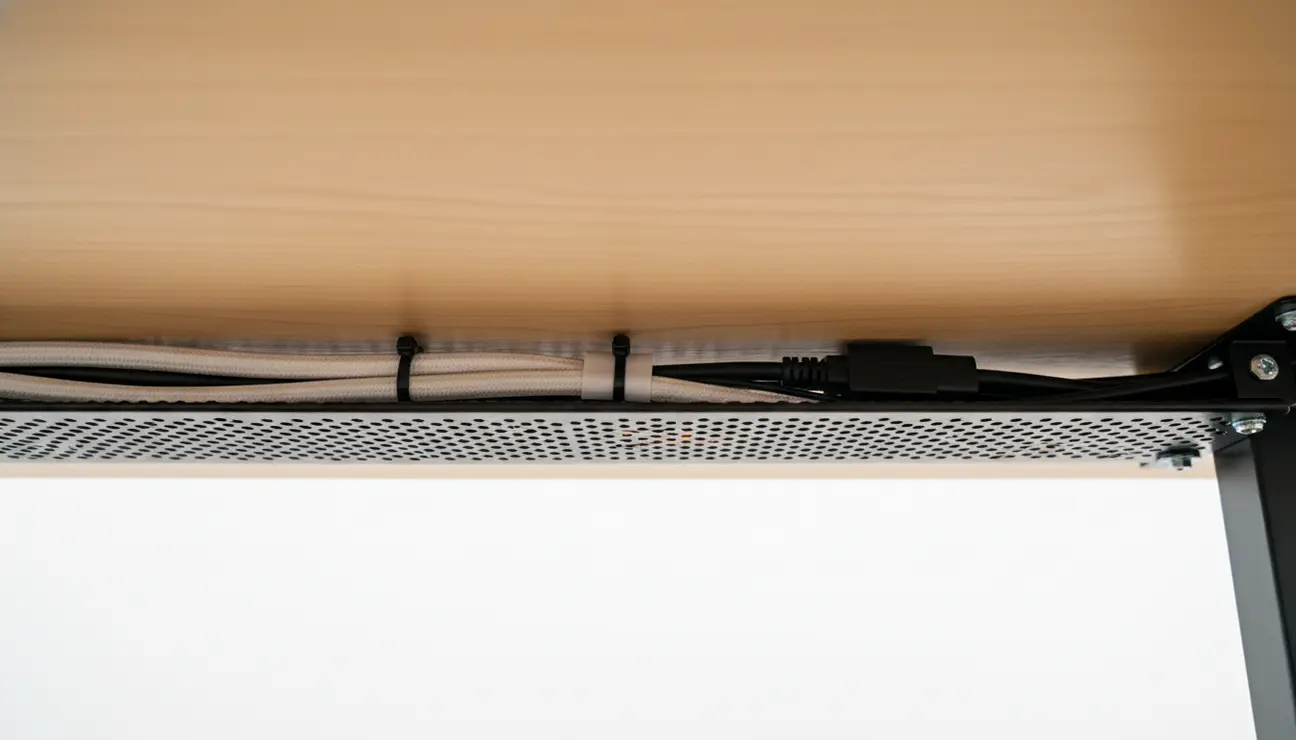
1. Power: Group all mains power cables together. These should be routed to a single, high-quality power strip mounted securely underneath the desk.
2. Data: Gro
Eliminate Chaos?
True minimalism isn’t about having less—it’s about making every component serve a purpose. Find the tools to build your high-performance system.
up all USB and Thunderbolt cables. These should run from your central hub to your devices along a single, planned route.
3. Audio/Visual: Group HDMI, DisplayPort, and audio cables.
Once grouped, use reusable cable ties or sleeves to create clean, single lines. The goal is not to have no wires, but to have wires so intentionally managed they become part of the desk’s architecture.
The modern creator’s desk is plagued by a fractured ecosystem of dongles, hubs, and chargers. Each one is a point of failure and a piece of visual clutter. The logical solution is to centralise these functions into a single, modular system.
This is the principle behind the Zentic Mag-Dock Pro. It is not merely a desk organiser; it is a magnetic, modular chassis for your entire workflow. It is engineered to be the functional centre of your desk, eliminating the need for scattered peripherals.

The system is built from machined aluminium, with a matte, anodised finish that feels cool to the touch and does not collect fingerprints. Its core is a base unit to which you can magnetically attach the specific modules your work requires.
- USB-C Hub Module: Provides 2x USB-C 3.2 ports and 2x USB-A ports. Its dimensions are a precise 85 mm x 45 mm x 12 mm.
- SD Card Reader Module: A UHS-II reader for high-speed data transfer, seamlessly integrated into a 45 mm x 45 mm x 12 mm block.
- Cable Mount Module: Features two magnetic mounts with silicone grips to hold your primary charging cables, preventing them from falling off the desk. Each mount is a compact 20 mm x 20 mm x 10 mm.
The satisfying, firm click of the magnets as you attach a module confirms its secure connection. By curating your own combination, you build a personalised dock that serves your exact needs, centralising connectivity and eradicating the chaos of dongles.
An organised space remains so through intentional habits. An optimised system is easy to maintain.
Adopt the ‘5-Minute End-of-Day Reset’. Before you finish work, return every item to its designated home. Wipe down the surface. Resetting your desk is a powerful psychological cue to your brain, signalling the end of the workday and ensuring you begin the next with a clean slate.
Before introducing any new technology to your desk, evaluate it critically. Does it solve a problem a current tool cannot? Can it replace multiple existing items? This prevents the slow accumulation of clutter.
You must also address ‘the drawer of doom’—the repository of old cables and obsolete tech kept ‘just in case’. Be ruthless. If a cable has not been used in six months, its function is likely superseded. Purge it. A truly optimised system has no room for redundant components.
Achieving true tech organisation is not about aesthetics. It is a strategic investment in your own focus and productivity. It is about removing every possible point of friction between you and the state of deep work.
By applying these principles, you transform your desk from a passive surface into an active tool that supports your goals. You are creating an environment where your best work can happen not by chance, but by design.
Your workspace is a tool. Optimise it like you would any other part of your tech stack.

1. Is a fully wireless setup really the most efficient for a developer?
Not always. While wireless peripherals reduce cable clutter, wired connections for core components like keyboards and network connections offer superior stability, speed, and security. A hybrid approach is optimal: wired for mission-critical stability, wireless for convenience. The key is managing the essential wires effectively, not just eliminating them for the sake of it.
2. How do I manage multiple charging bricks without creating a fire hazard?
Consolidate charging with a high-quality Gallium Nitride (GaN) charger. A single 100W+ GaN charger can replace three or four individual bricks for your laptop, phone, and tablet, delivering power more efficiently and with less heat. Pair this with a reputable, surge-protected power strip, secured cleanly to the underside of your desk.
3. What’s the best way to handle tech I only use occasionally?
Establish a ‘secondary zone’. This could be a dedicated drawer, a shelf, or a cabinet within arm’s reach but off the primary desk surface. Store items like graphics tablets, external drives, or microphones here. This keeps your primary workspace—the 30 cm zone—uncluttered while ensuring specialised tools are easily accessible when needed.
Complete Your Optimised Setup
Your focused workspace deserves the right support. Find minimalist accessories designed to maintain order and enhance function, not add to the noise.
