
Blog
Silent PC Cooling: The 2026 Engineer’s Guide to a Distraction-Free Workspace

Silent PC Cooling: The 2026 Engineer’s Guide to a Distraction-Free Workspace
- The Problem: Persistent PC fan noise is a hidden productivity killer. It shatters the state of ‘flow’ required for deep, analytical work.
- The Methods: Effective silent pc cooling solutions range from zero-cost software tweaks and strategic component upgrades to purpose-built silent cases.
- The Goal: To engineer a powerful and silent workstation, the foundation of a Distraction-Free Workspace.
The Unheard Thief of Your Concentration
You are deep into a complex problem, compiling a significant build or rendering a high-resolution timeline. As the CPU load climbs, a familiar sound begins: a low hum that quickly escalates into a distracting drone. That noise, often mistaken for a sign of power, is a cognitive leak.
It is the audible equivalent of the distracting animation you see in the corner of your screen—a constant, subtle drain on your mental resources. Your brain is forced to actively filter it out, consuming energy that should be allocated to the task at hand. This is the sound of deep work being compromised.
Is This Guide for You?
This is not a guide for the casual user. This is a technical manual for professionals who treat their workspace as a critical tool for peak performance.
If you are a Software Engineer, Video Editor, Music Producer, or any professional whose output depends on sustained, uninterrupted focus, you are in the right place. We are not just reducing noise; we are optimising your environment for a competitive edge.
Ready to Eliminate Chaos?
A silent PC is the first step; effective cable management completes your distraction-free environment.
The Root Cause & Hidden Cost of a Noisy PC
The engineering is simple: high-performance components like your CPU and GPU generate significant thermal energy. The default solution has always been to dissipate this heat with fans, which are often inefficient and noisy.
The hidden cost is biological. Persistent, low-level background noise has been shown to elevate cortisol levels, the body’s primary stress hormone. This increases your baseline cognitive load, forcing your brain to work harder to maintain focus, even when you are not consciously aware of the sound. You end the day feeling more drained, without quite knowing why.
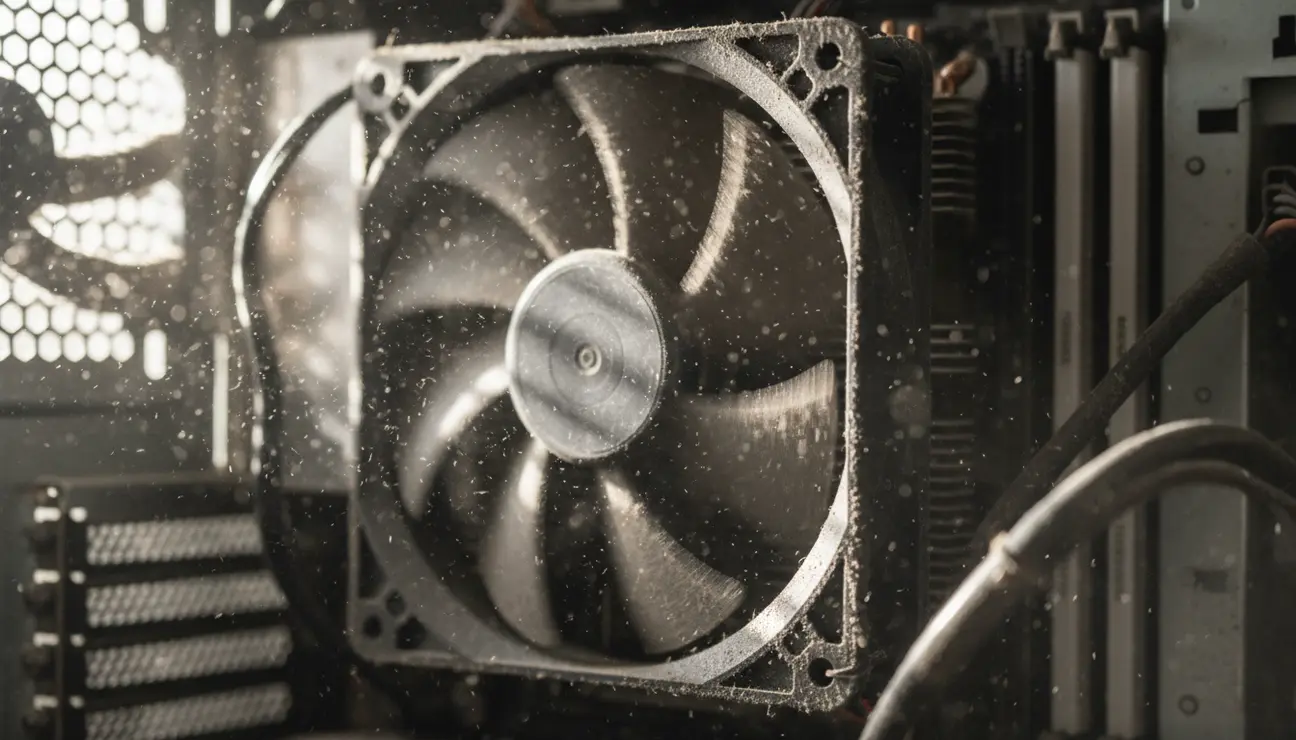
Mindful Solutions for Silent PC Cooling
Achieving true silence is a process of methodical engineering. We will address this in tiers, moving from simple software adjustments to a definitive hardware solution.
Tier 1: Software Optimisation & Fan Curves
Before spending a euro, your first action is to take control of your existing hardware. Motherboard BIOS/UEFI interfaces and software utilities allow you to define custom fan curves—the relationship between component temperature and fan speed (RPM).
The goal is to create a profile where fans remain at their lowest, inaudible speed—or off entirely—during low-load tasks like writing code, scripting, or browsing documentation. A properly tuned curve ensures the fans only become audible when genuinely necessary, such as during a multi-core compile. This is the zero-cost, logical first step.
> Pro Tip: Create multiple profiles. A ‘Work’ profile that prioritises silence below 60°C, and a ‘Render’ profile that allows for more aggressive cooling when you plan to be away from the desk.
Tier 2: Strategic Component Upgrades
If software tuning is insufficient, the next logical step is a hardware upgrade. The physics are straightforward: larger components dissipate heat more effectively, allowing for lower fan speeds.
- CPU Air Coolers: Replace the stock cooler with a large tower air cooler. Models featuring 120mm or 140mm fans can move a significant volume of air at very low, quiet RPMs. Look for coolers with a noise rating below 25 dB under load.
- Case Fans: Swap out standard case fans for models specifically designed for silence. These fans often use fluid dynamic bearings and blade designs that reduce air turbulence. The objective is high airflow with a low acoustic signature.
These upgrades target the primary sources of noise directly and offer a substantial improvement in your workspace acoustics.
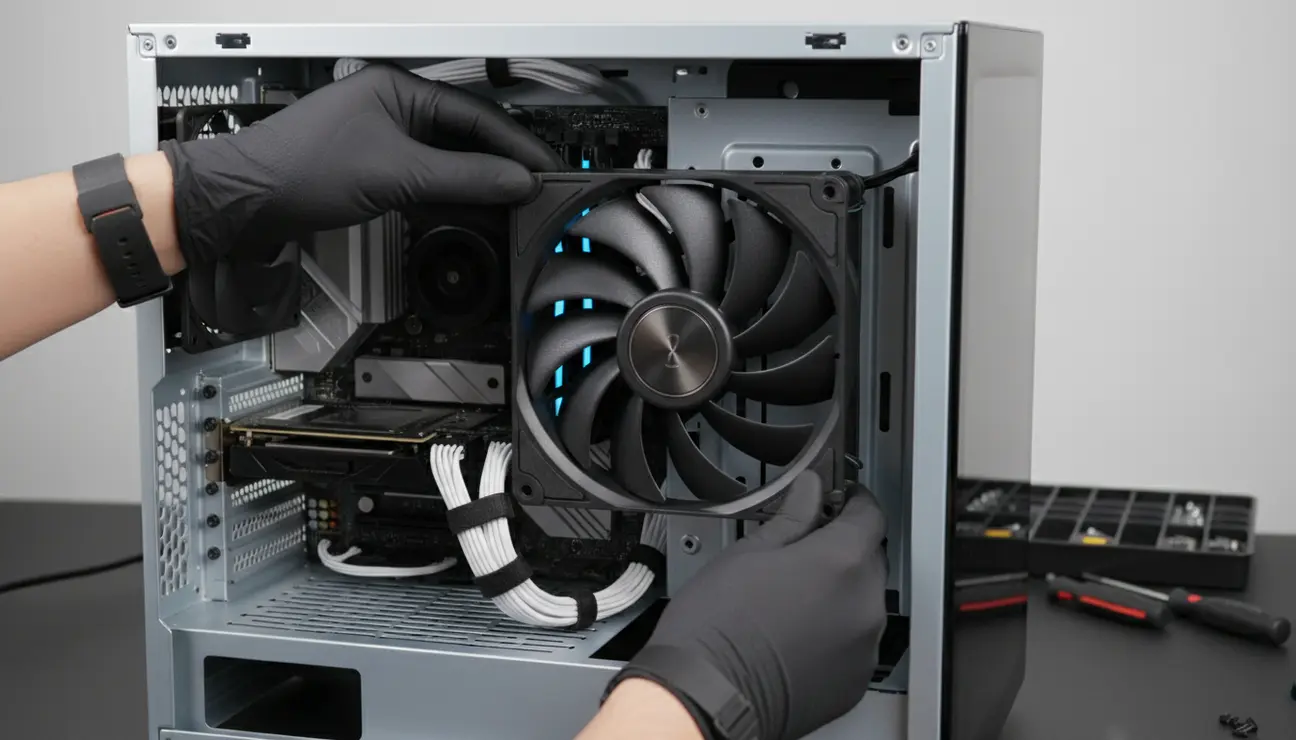
Tier 3: The Hero Solution – The Zentic AuraFlow Case
After extensive testing, we have concluded that for the professional seeking a permanent solution, the problem must be solved at its source: the case itself. The Zentic AuraFlow is not merely a box for components; it is an engineered acoustic environment.
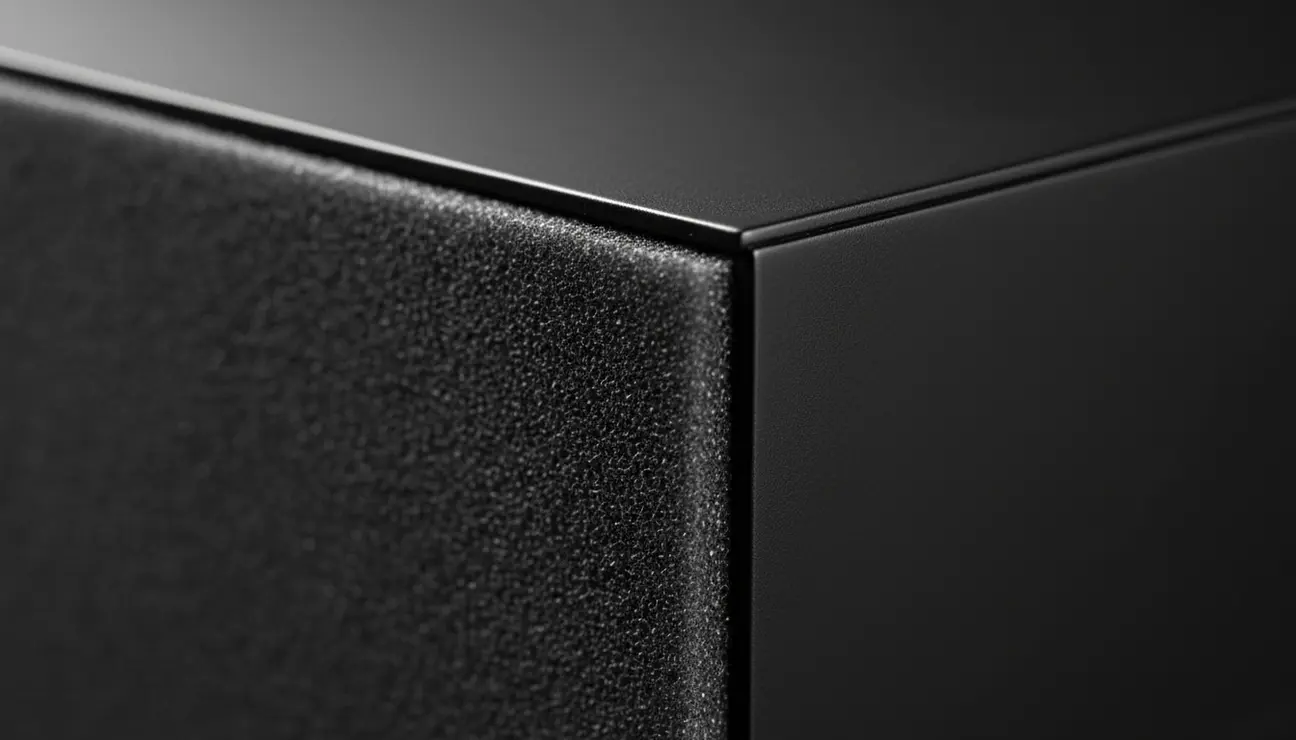
Its design directly addresses the pain points of the focused professional. The case is constructed with high-density, 2mm noise-dampening panels on the front, top, and sides. This material doesn’t just block noise; it absorbs the low-frequency vibrations that standard steel or aluminium cases transmit onto your desk and into your ears.
The internal layout is meticulously designed for unobstructed airflow from front to back. This thermal efficiency means the large, pre-installed 140mm fans can spin at near-inaudible speeds, even under sustained load. The minimalist aesthetic and integrated cable management channels also contribute to a calm, orderly environment, removing the visual clutter that can distract the mind.
The Best Path to Silent PC Cooling
For the professional engineer or creator, the most logical, long-term investment is a combination of Tiers 2 and 3. While software can manage noise, it cannot eliminate the physical limitations of poor hardware.
By pairing strategic air cooling components with the purpose-built acoustic enclosure of the Zentic AuraFlow, you create the ultimate setup for silent pc cooling that is effective by design, not by compromise. This is an investment in your capacity for deep work—a direct upgrade to your daily productivity and mental clarity.
Your Action Plan for a Quieter Workspace
1. Audit Your Baseline: Use a simple decibel meter app on your phone to measure your PC’s current noise. Test it at idle (desktop) and under full load (running a benchmark or render). This gives you a data point to improve upon.
2. Implement the Zero-Cost Fix: Allocate 30 minutes. Reboot into your BIOS/UEFI and adjust your CPU and system fan curves. Set them to run at their minimum speed until temperatures exceed 50-60°C.
3. Plan Your Upgrade: If the noise persists under load, the system’s thermal design is the bottleneck. Plan your next hardware upgrade around a purpose-built silent case to permanently engineer the problem out of your workspace.
Frequently Asked Questions (FAQ)
1. Will silent pc cooling make my PC run hotter and throttle performance?
No, quite the opposite. A well-engineered silent build, like one in the Zentic AuraFlow, improves airflow efficiency. This allows components to run cooler at lower fan speeds, often resulting in more consistent performance and reduced thermal throttling compared to a noisy, poorly designed case.
2. Is custom water cooling significantly quieter than a high-end air-cooled build in a silent case?
Not necessarily. While water cooling can move heat efficiently, it introduces new sources of noise: the pump and radiator fans. A high-quality air cooler has only one noise source (the fan), and when paired with a noise-dampening case, it is often simpler, more reliable, and equally silent for most professional workloads.
3. What is a realistic budget in 2026 for a truly silent PC build?
Excluding core components (CPU, GPU), the foundational investment for silence is the case and cooling. A premium silent case like the Zentic AuraFlow is approximately €180. High-quality silent fans and a large CPU air cooler can add another €100-€150. This investment of around €300 is the most cost-effective way to transform a standard build into a silent workstation.
Engineer Your Ultimate Focus Zone
A silent PC is the heart of a productive workspace. Build the complete, optimized environment you need for deep work and peak performance.
